Mobile & UI Reset for Paylocity
A fast-growing product suite with mobile debt, inconsistent UI, fragmented patterns, and no shared system was in need of reimagining.
My Roles
Product Design
Mobile Design
Systems Design
UI Design
Design Visioning
Challenges
The Past Catching Up
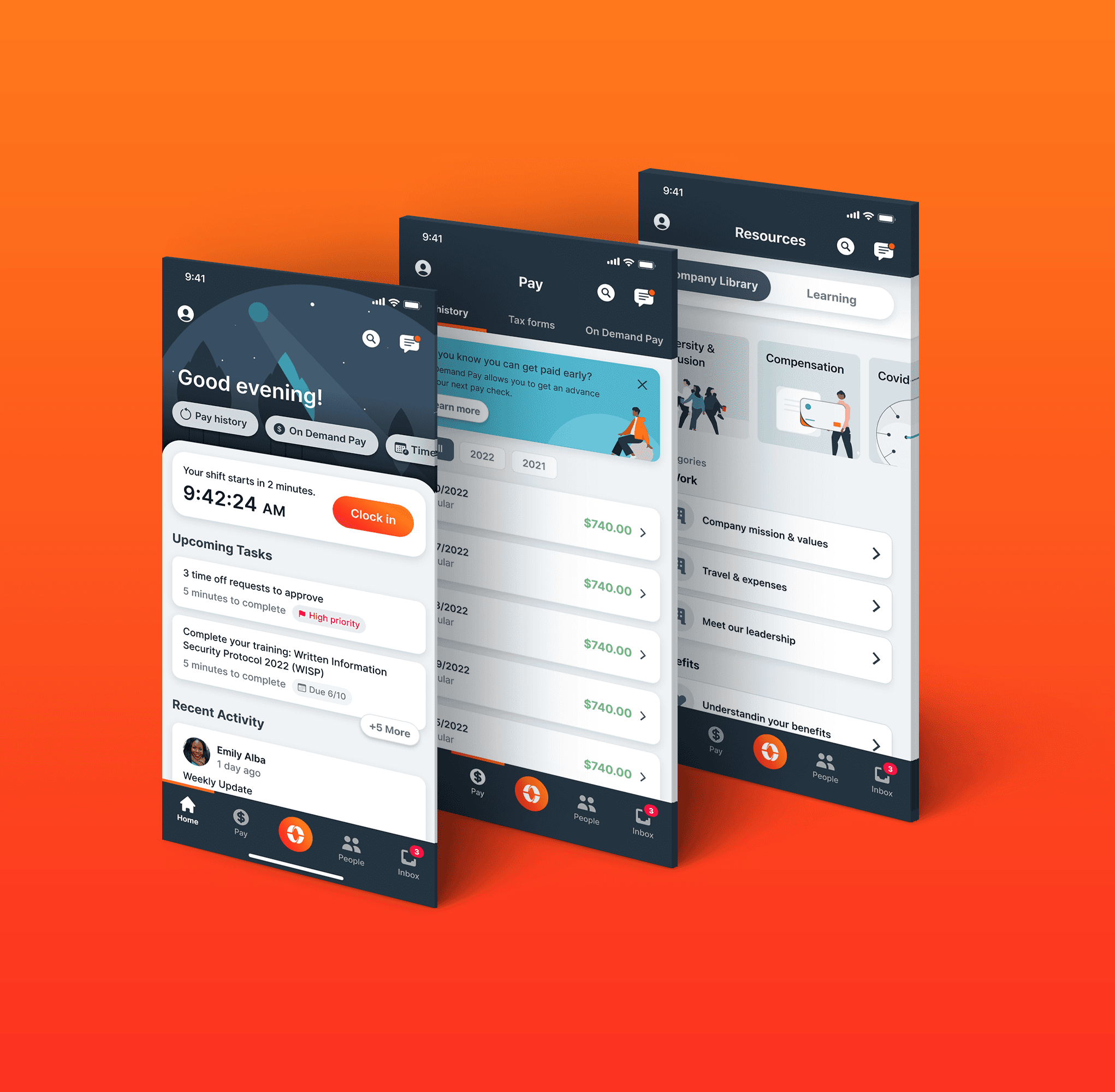
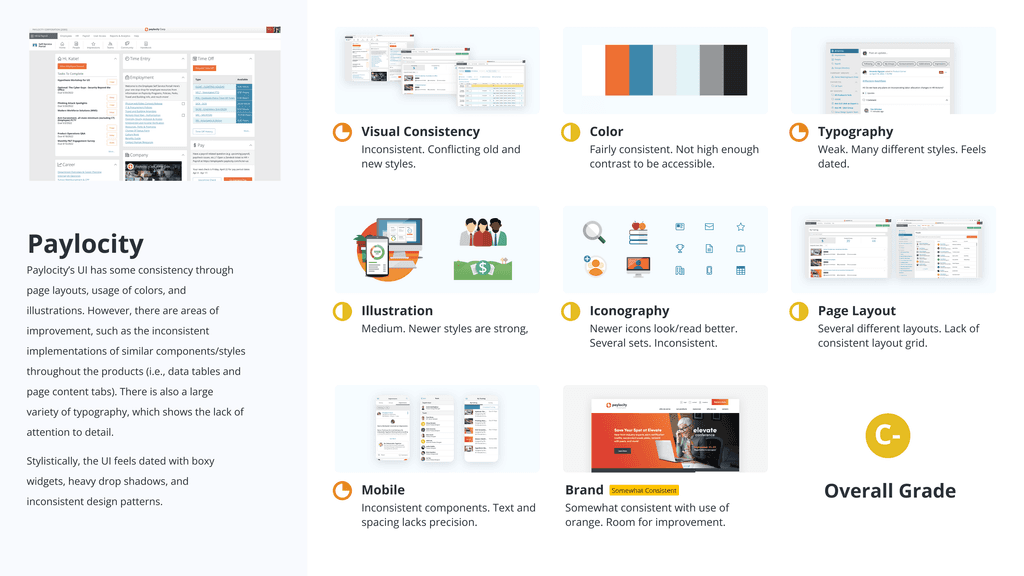
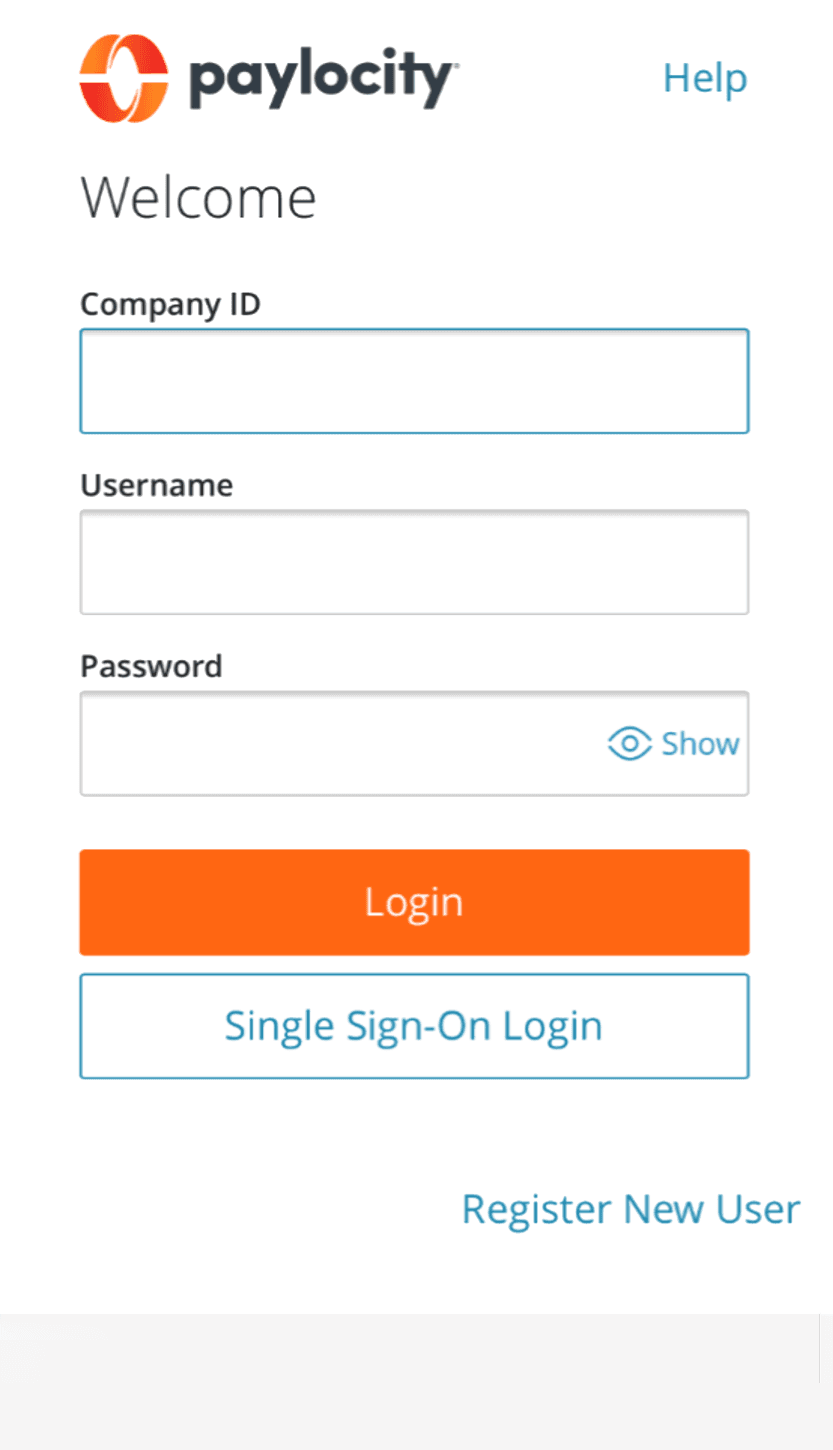
Paylocity’s interface had accumulated years of design debt, resulting in a UI that was showing its age and inconsistent across the product. As one stakeholder put it, “The UI feels dated with boxy widgets, heavy drop shadows, and inconsistent design patterns. There is also a large variety of typography, which shows the lack of attention to detail.”
At the core was Citrus, the design system, which had become fragmented as new features layered over legacy patterns. Inconsistencies across navigation, data tables, and typography—along with accessibility and mobile gaps—made it clear a more modern, scalable foundation was needed.
I was tasked with envisioning what the UI could be—reintroducing consistency, improving usability, and aligning teams around a refreshed conceptual design language, while defining an early strategy for supporting a system-wide upgrade.
Objectives
Time for a Makeover
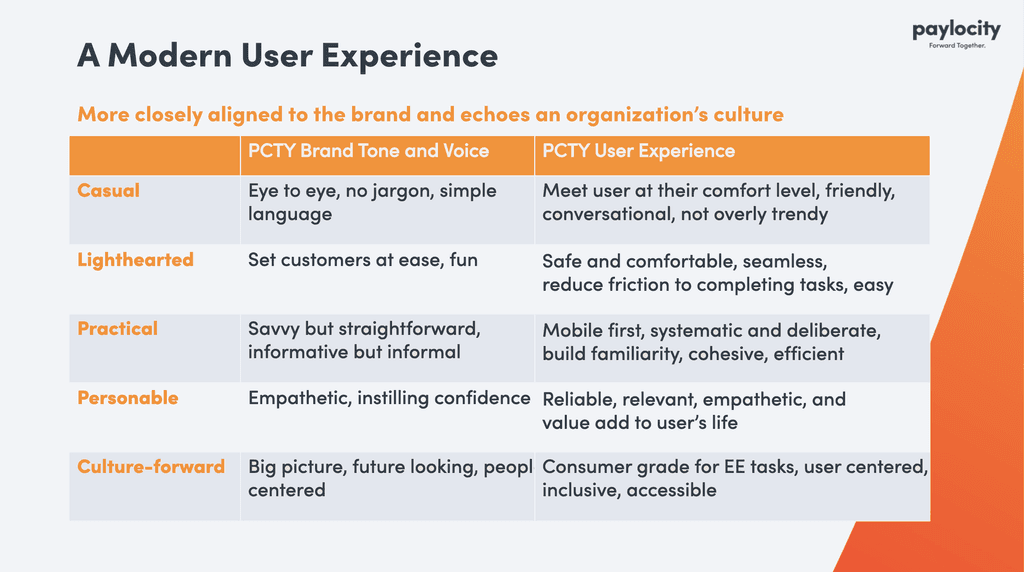
“Create a modern user experience that echoes organizational culture”—moving beyond purely functional interfaces to more thoughtful, resonant experiences that reflect Paylocity’s brand in everyday use. This meant creating clearer visual and experiential differentiation in the HR tech space, reinforcing brand values through interaction design, meeting rising expectations for consumer-grade enterprise tools, and helping attract design and engineering talent drawn to more modern, cohesive products.
Before and After
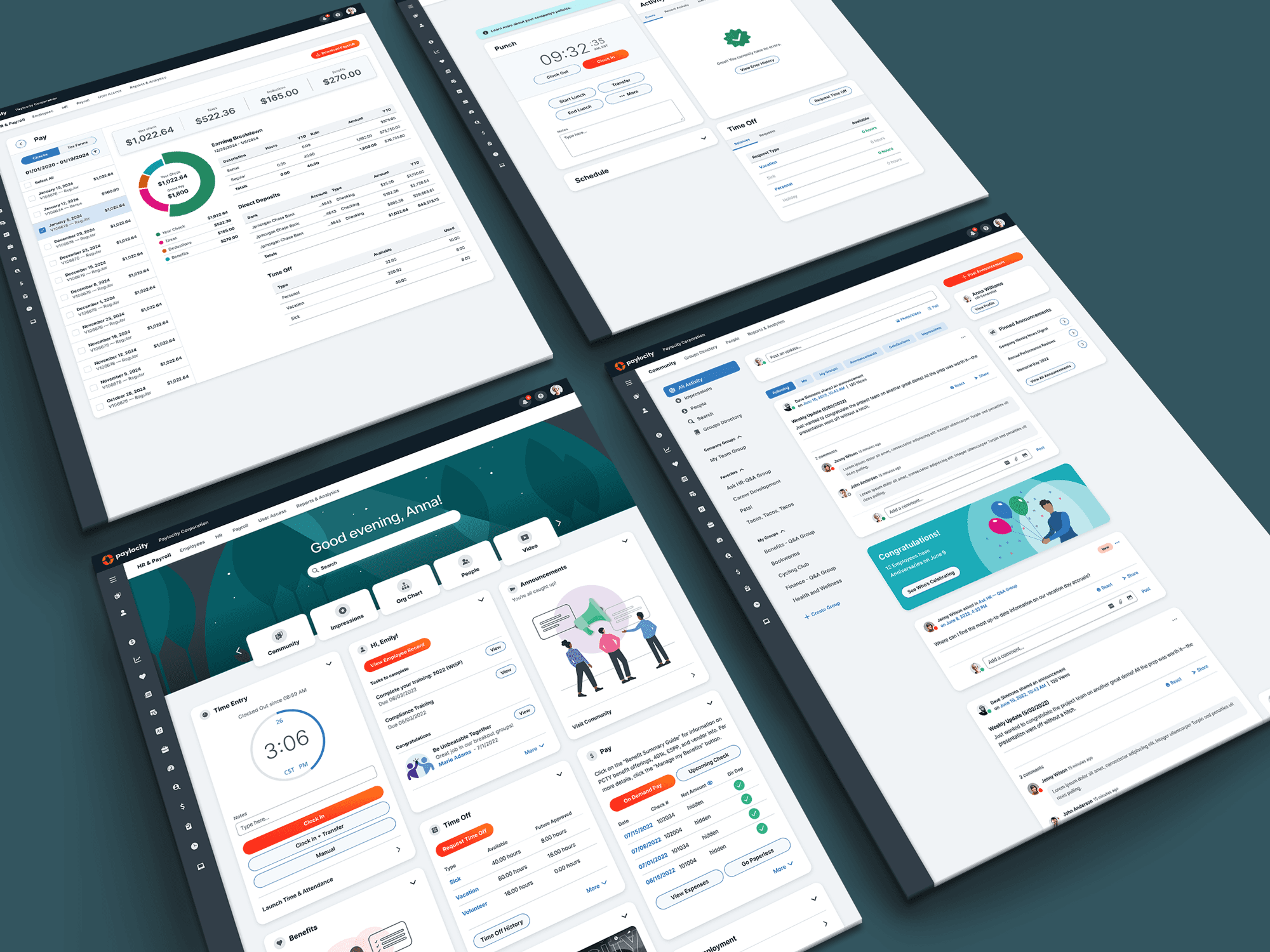
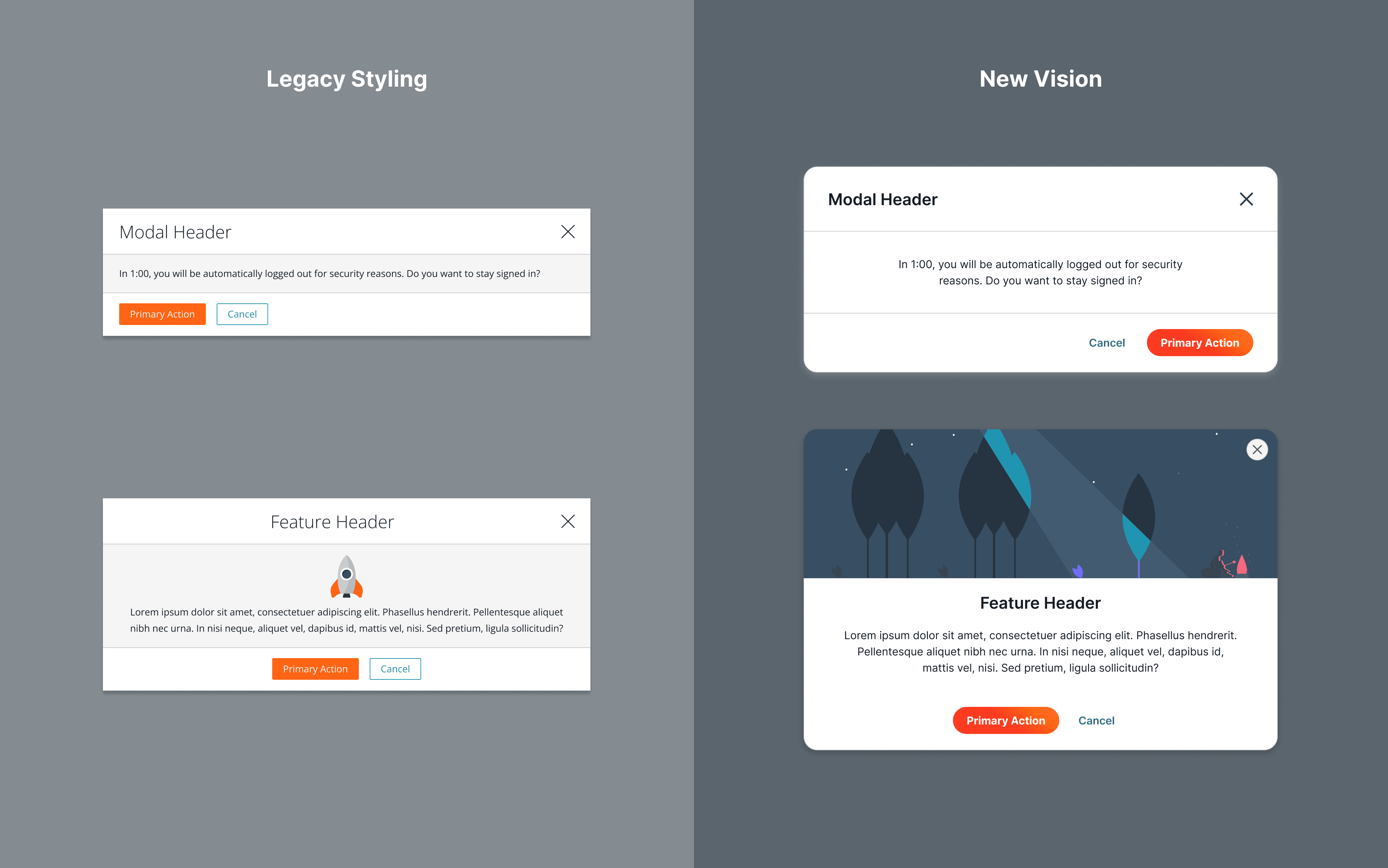
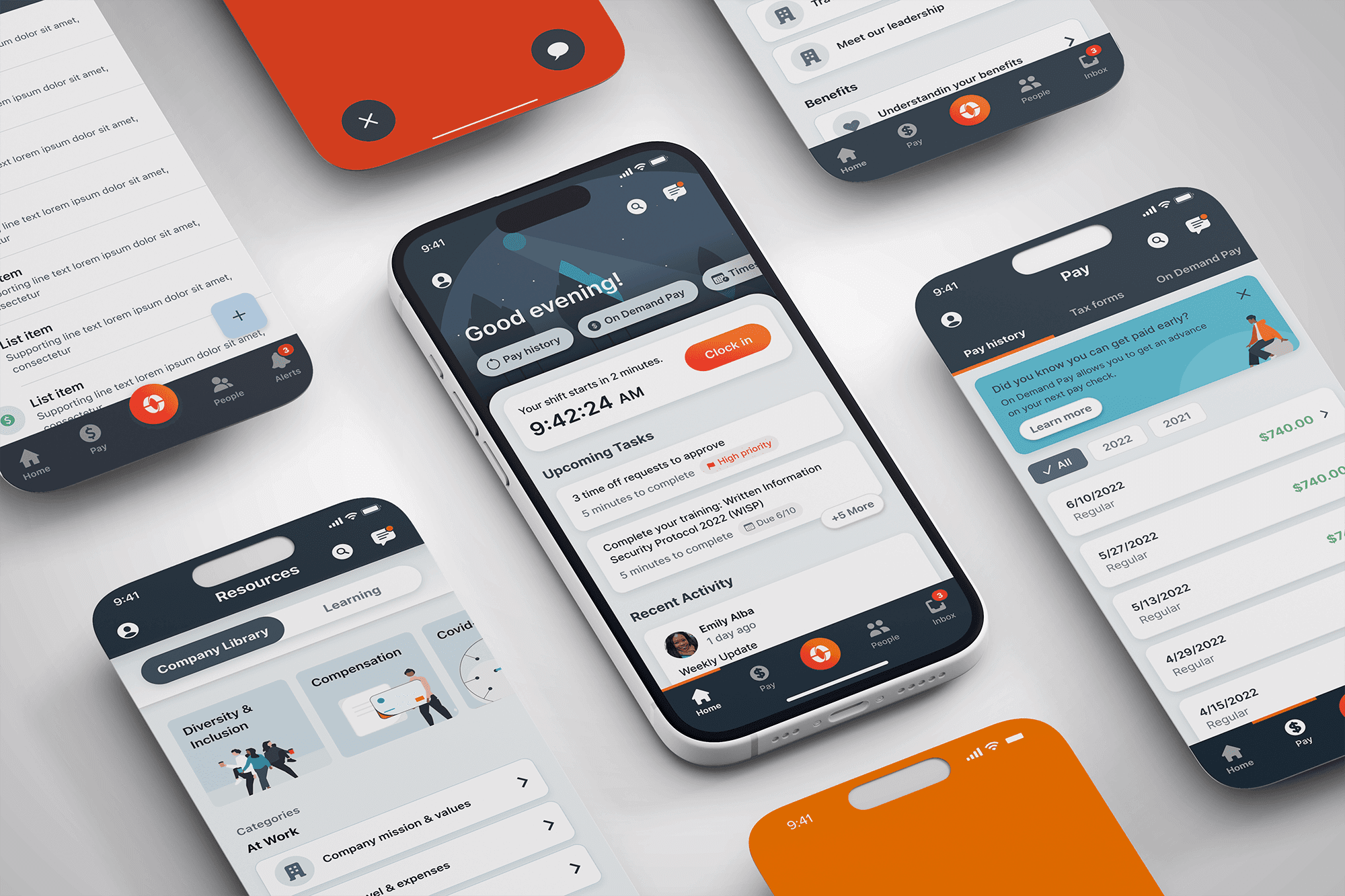
Here are the designs I presented to leadership as part of a larger prototype, showcasing the potential impact of an updated system.
Outcomes
Moving the Ship One Degree at a Time
While not perfect, the refresh established a strong foundation for ongoing iteration and improvement. Designers were immediately energized by simpler, more intuitive, and more polished components—and the system continues to evolve. The core system I designed was a 0-to-1 initiative that defined the platform’s modern UI direction and remains the DNA for the most widely adopted version in use as of 2026.
A C H I E V E M E N T S
Key moments: Prioritized high-impact, high-frequency user interactions for maximum value
Quick actions: Introduced prominent, icon-driven shortcuts for common tasks
Contextual content: Personalized greetings and role-specific information to improve relevance
Touch-first interactions: Optimized controls and spacing for intuitive mobile and finger-based use
Flexible bedrock: Built with design tokens and scalable components to support future brand and technology evolution
H U R D L E S
Staged rollout success: Starting with quick wins helped build momentum toward more meaningful change
Managing feedback streams: Reimagining an enterprise UI brought a wide range of perspectives to balance
Change is hard: Adopting new systems required time, patience, and consistent support
Self-evaluation is tough: Stepping back to honestly assess gaps was a necessary part of progress
Team scaling: Demonstrating value was key to earning dedicated resources
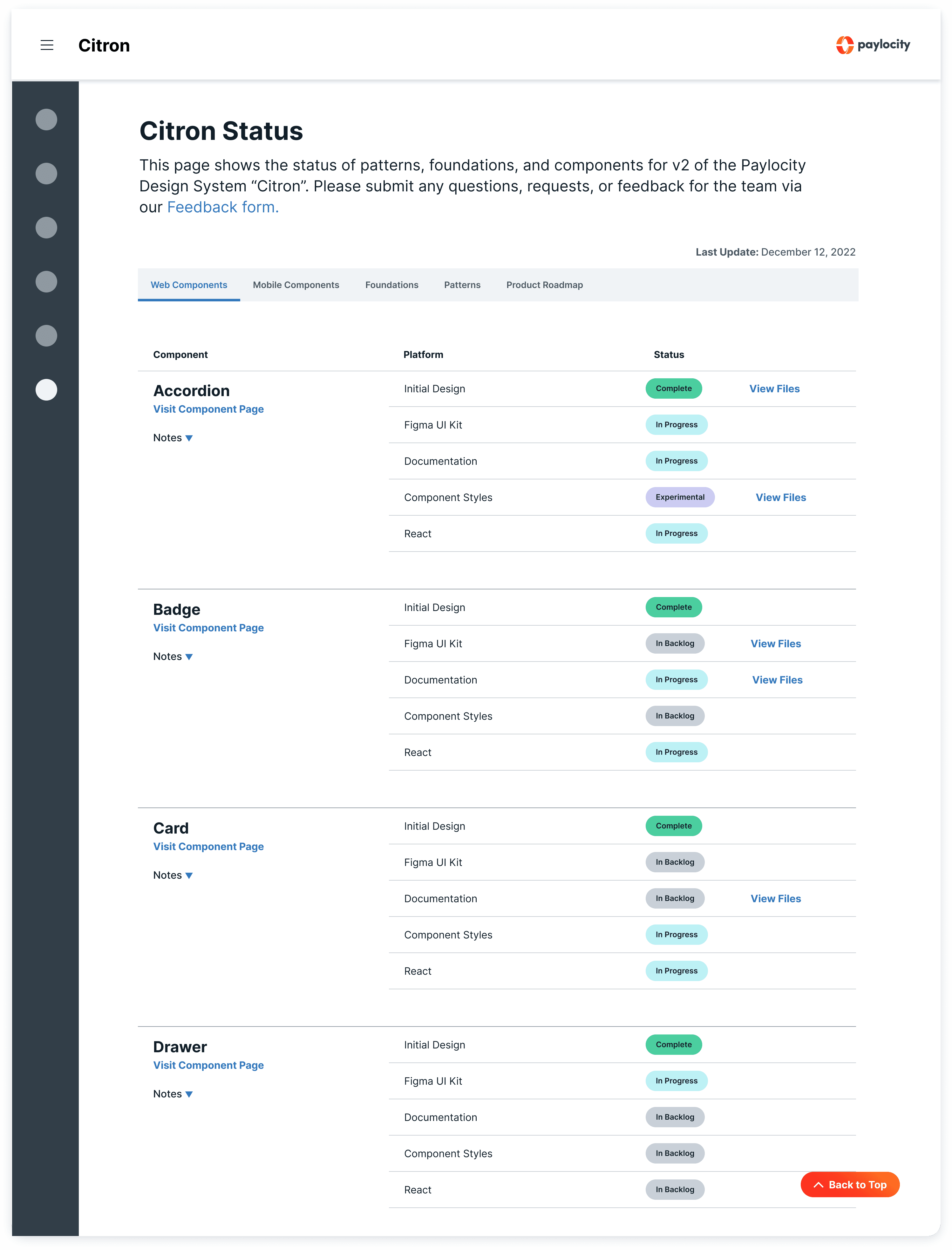
Governance scaffolding: Clear guidelines made it easier for teams to contribute and learn over time
Dream just enough: Pushing for ambitious but realistic change kept the work grounded
Precursor solution: We approached the system as something that would evolve, staying flexible rather than overly rigid
My Role
What Problems Do We Need to Solve?
At this point, I had been the steward of the Citrus Design System for two years—building a robust library of components and extensive documentation, while recognizing the need for a clear path toward its next evolution. Even without a formal mandate to redesign the system, I focused on laying the groundwork for scalable, low-friction growth.
To do this, I partnered with product designers across the organization to better understand pain points, conducted a competitive analysis, and initiated a side project to explore opportunities for modernizing the UI. This work evolved into close collaboration with another designer to scale emerging visual styles and define foundational tokens, as well as with a Staff Designer to shape mobile strategy and secure cross-functional alignment.
I also contributed to a broader vision for a differentiated native mobile and desktop experience aligned with Paylocity’s marketing goals. By shifting the conversation from abstract ideas of “modern” to a tangible design direction, we emphasized clarity, task-focused workflows, and truly mobile-first patterns—moving away from desktop-first adaptations. Alongside this, I supported stakeholder education efforts to build a stronger understanding of the design system’s value and its role in driving product consistency and innovation.
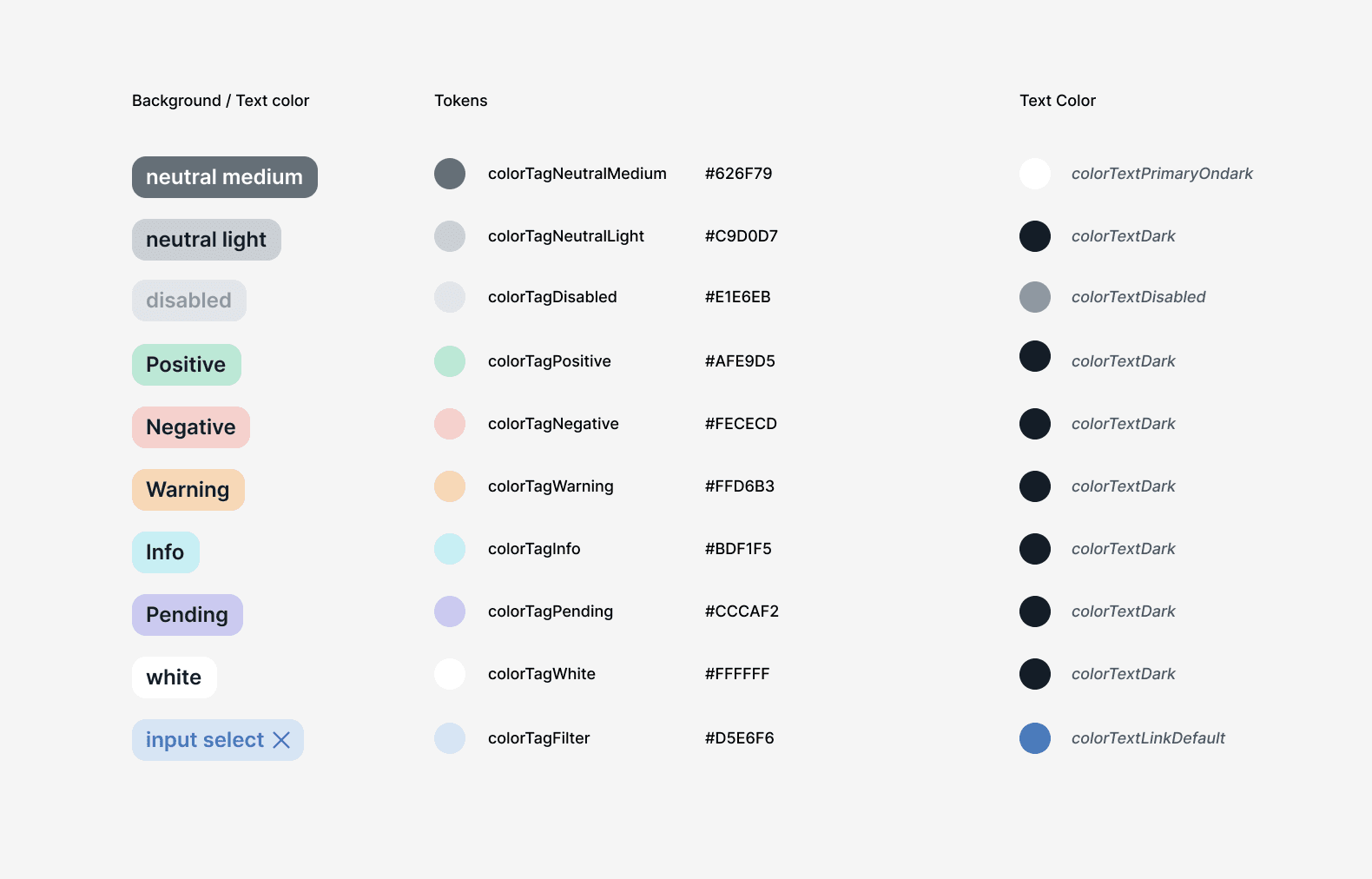
Proposing New Visual Language
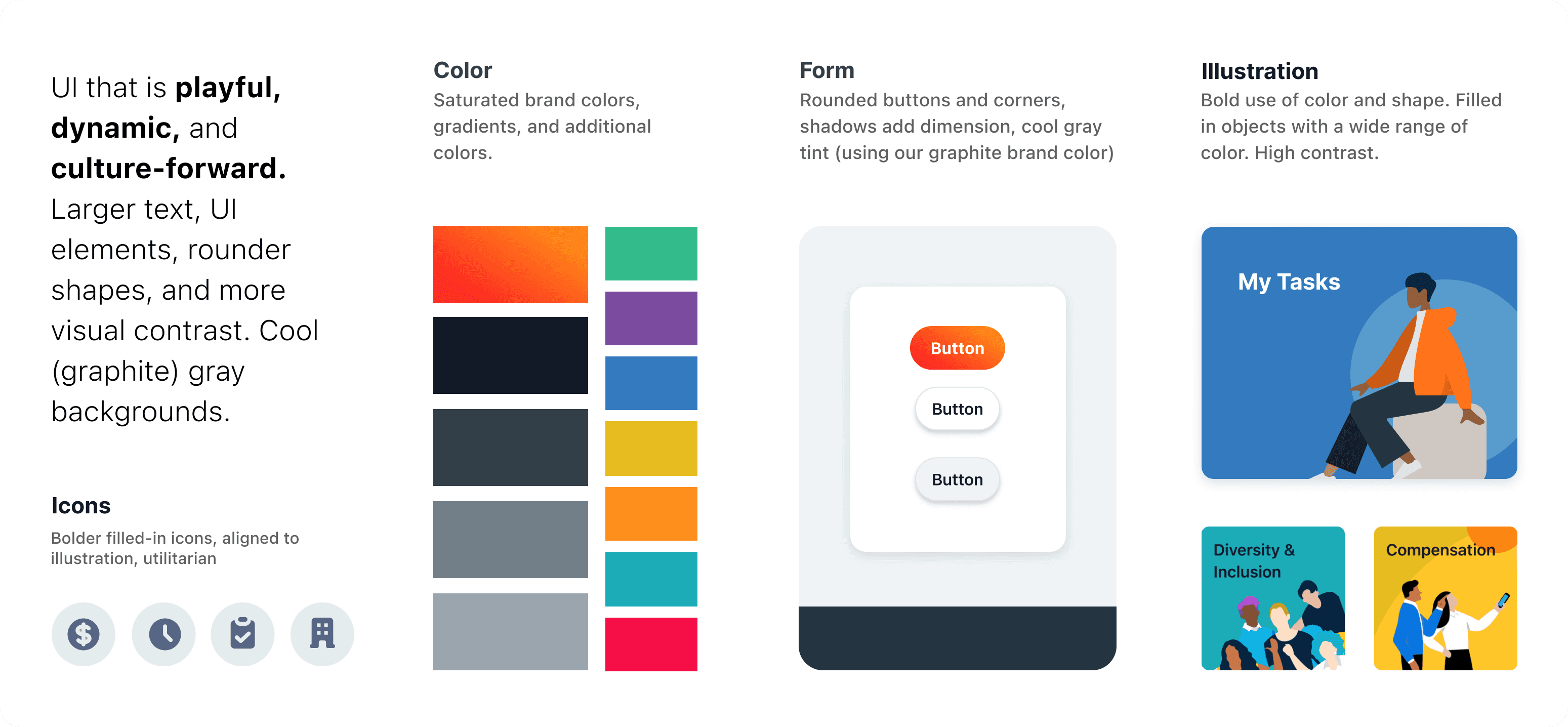
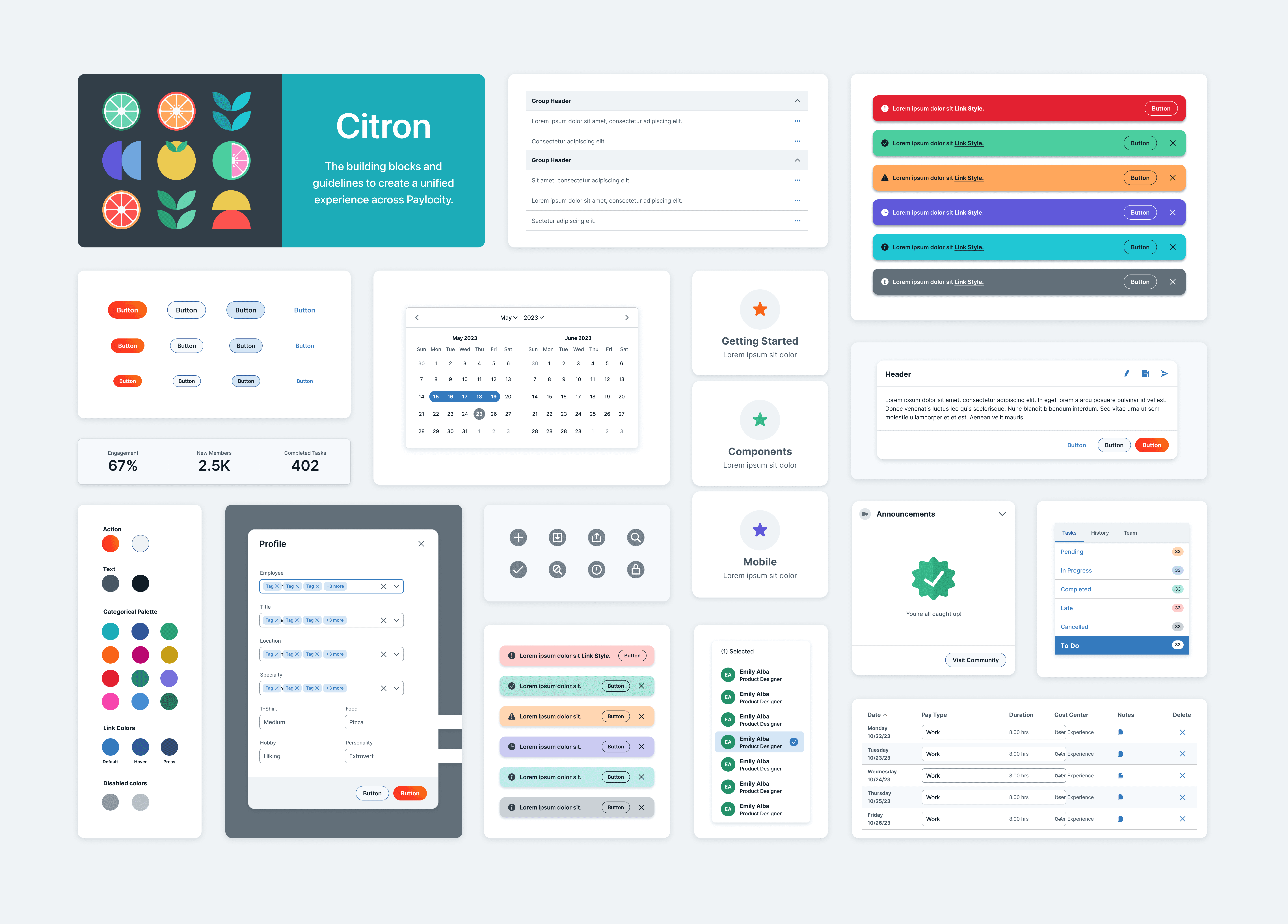
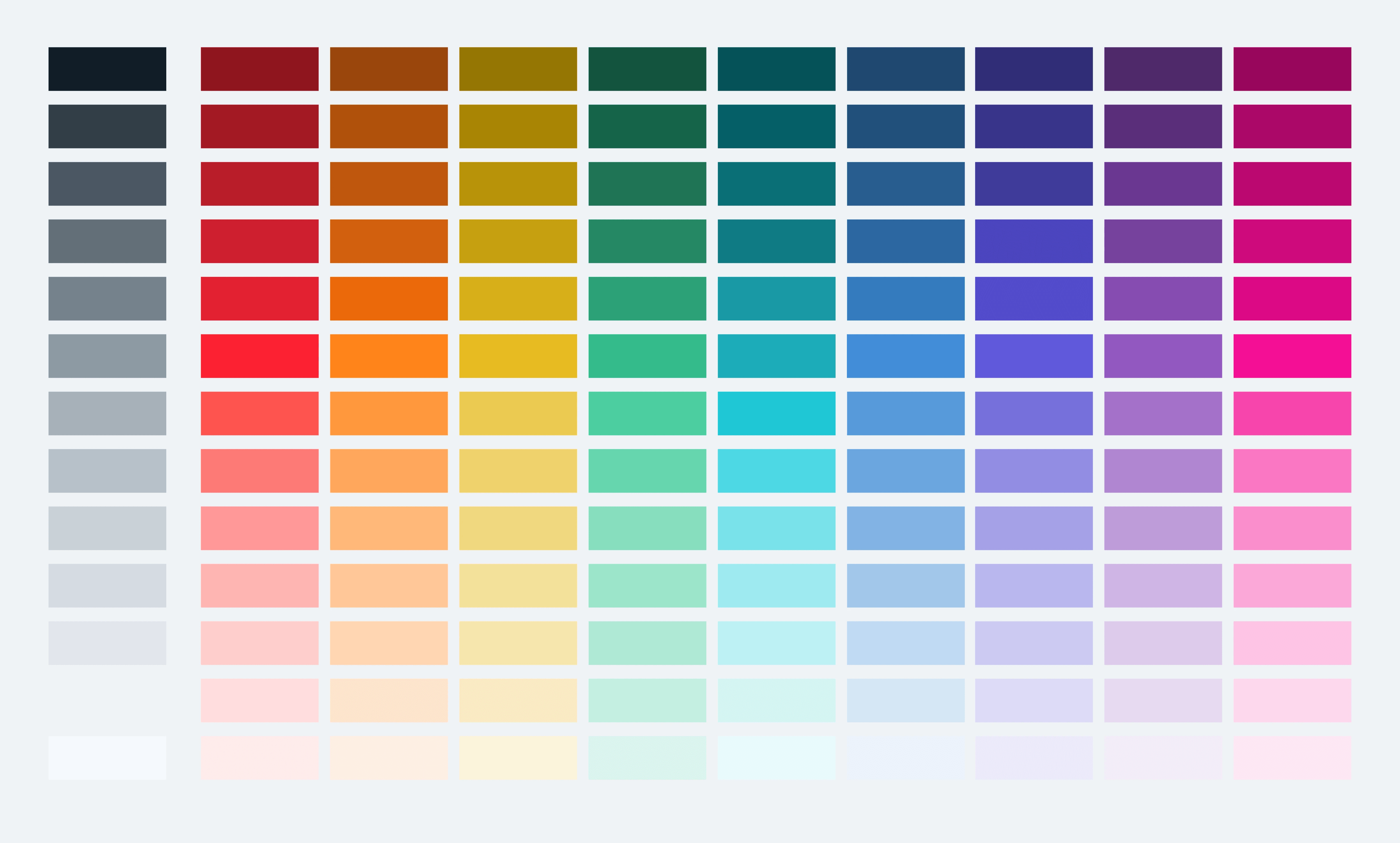
I provided multiple "style-scapes" to leadership and the one below was one of the finalists.
How to Quantify “Modern”
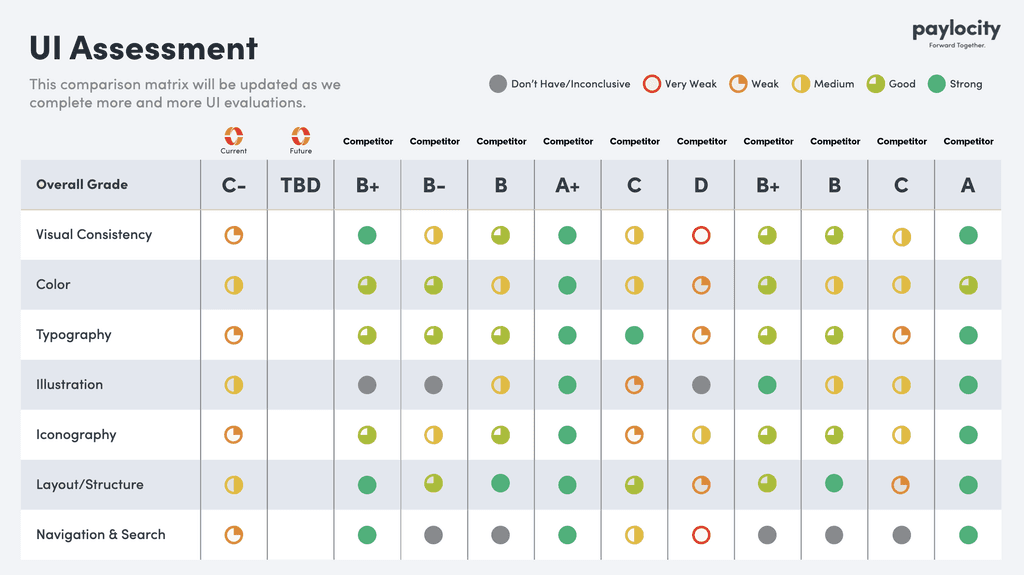
I conducted a comprehensive analysis of Paylocity’s key competitors and partnered with the team to better define what “modern UX” actually meant in our context. It’s a term that’s often used loosely, so before proposing any major changes, we aligned on a shared understanding across stakeholders.
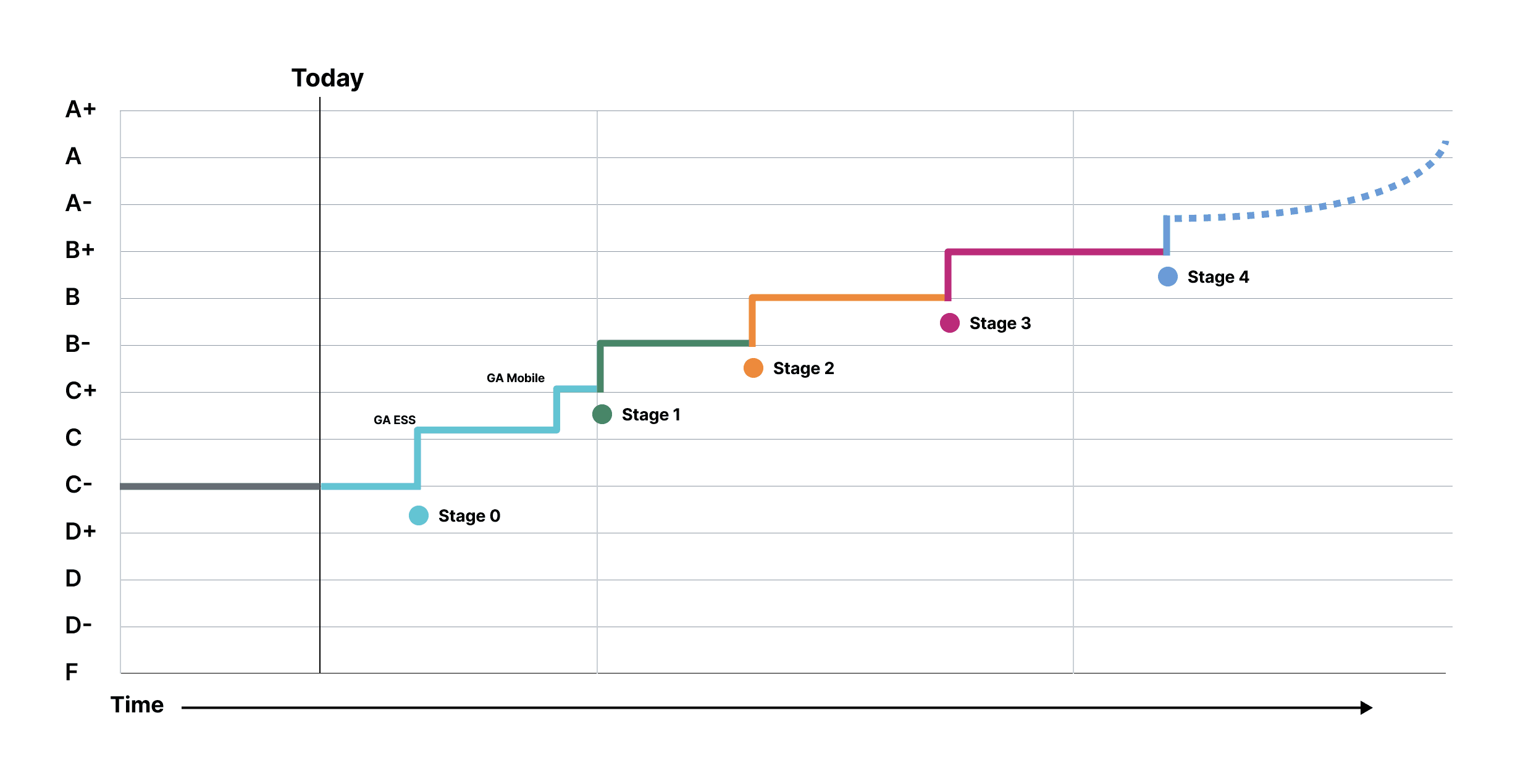
This work resulted in a clear set of defining pillars for what “modern” should look like in our product, along with an honest assessment of how our current experience measured up—giving us a more grounded foundation for future design decisions.
Self Evaluation
This is an "abridged" summation.
Principles
Early values
UI Grades
This is an "abridged" view of the system we used. It extended beyond just UI.
Mobile
What We Realized
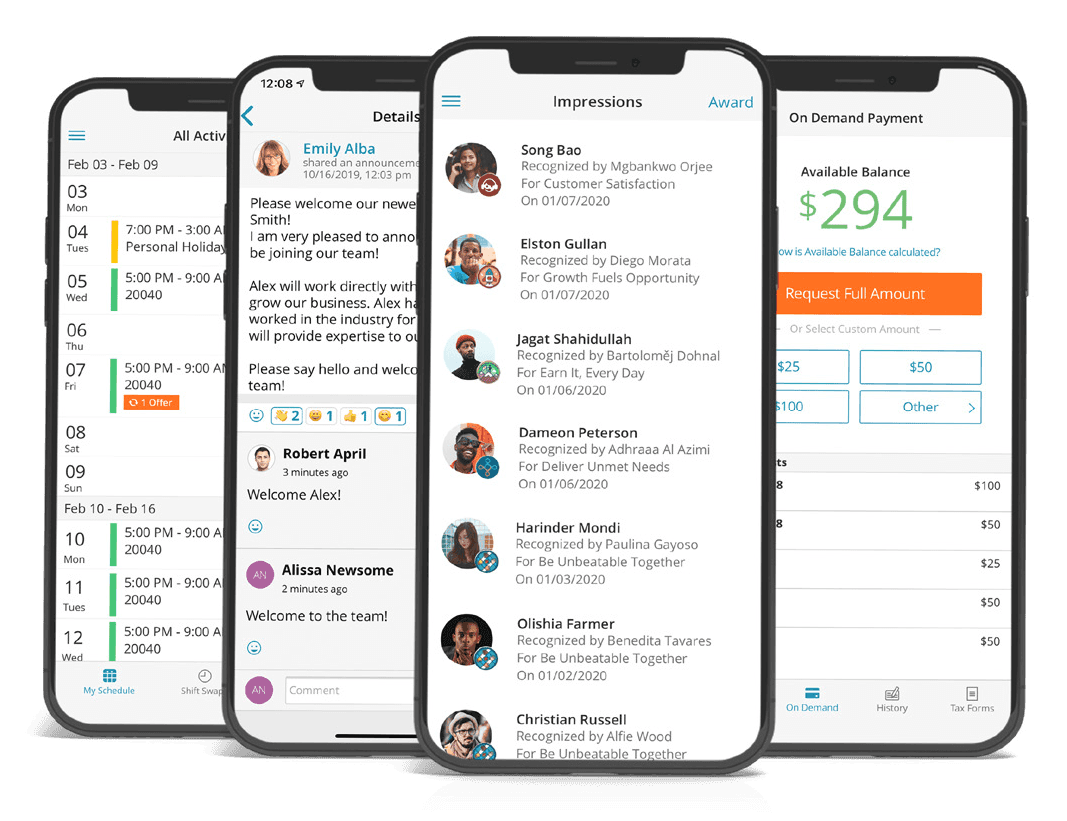
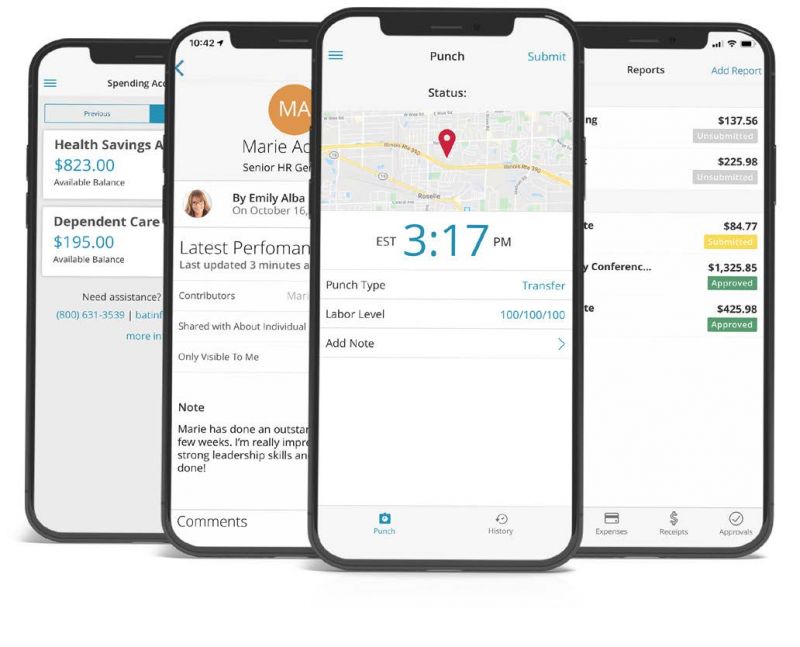
It quickly became clear that our greatest area of design debt was the mobile experience. Addressing it required more than refining responsive layouts—it called for a fundamental rethinking of the information architecture. In response, we began reimagining key features through a truly mobile-first lens, recognizing that simply adapting the desktop experience wouldn’t meet user needs.
Systems Thinking
We want designers to think about their products less as destinations and more as interconnected pieces of a larger system. It's no longer enough to think in terms of lists of features. You have to start thinking about how each feature connects to other experiences in the app.
We asked some of these questions when starting to design:
What is your product's purpose and how does it function at a high-level?
What are your product's major concepts and vocabulary?
Which user personas does your product support?
Which tasks does your product intend to support?
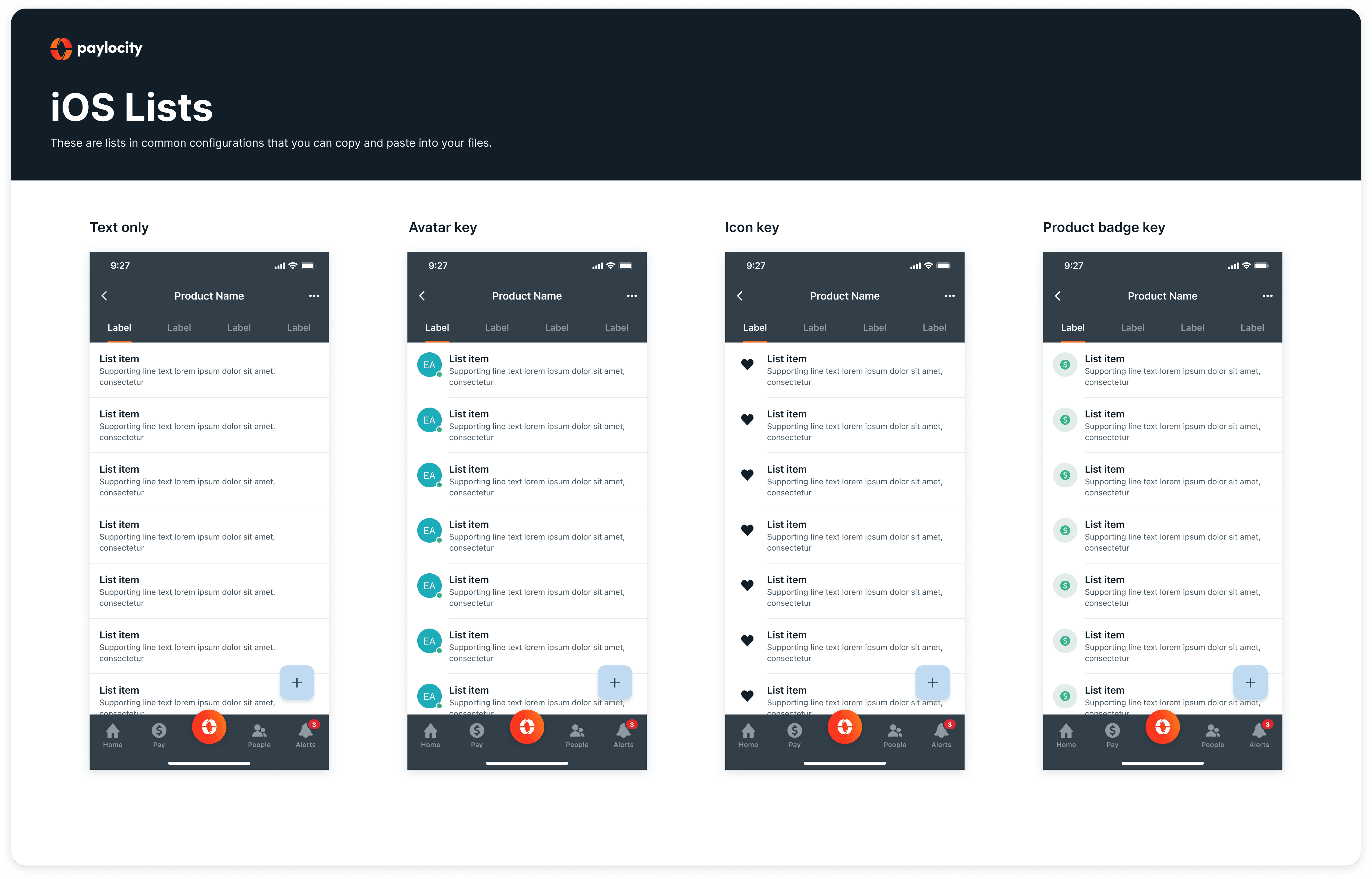
Documenting Mobile Patterns
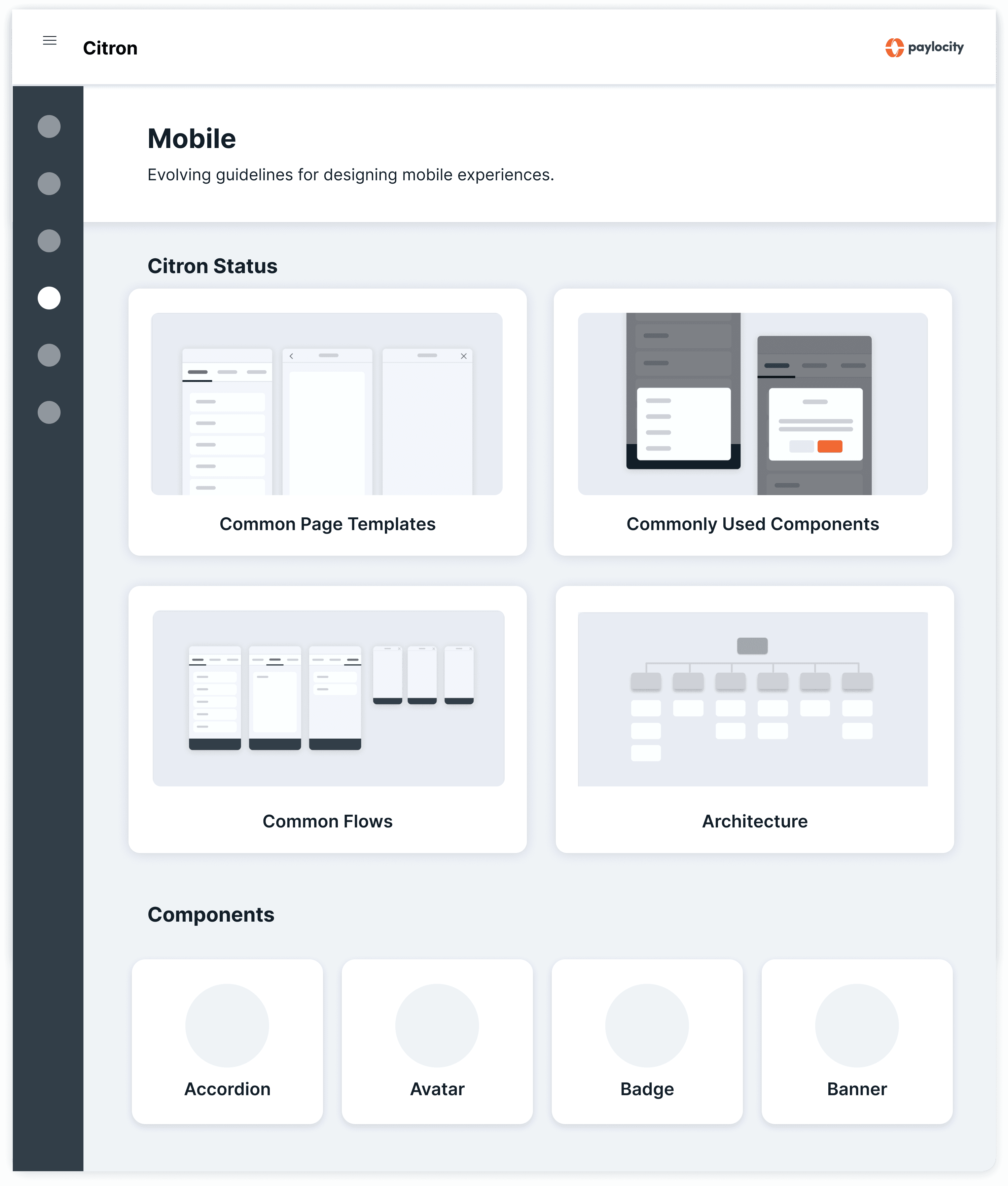
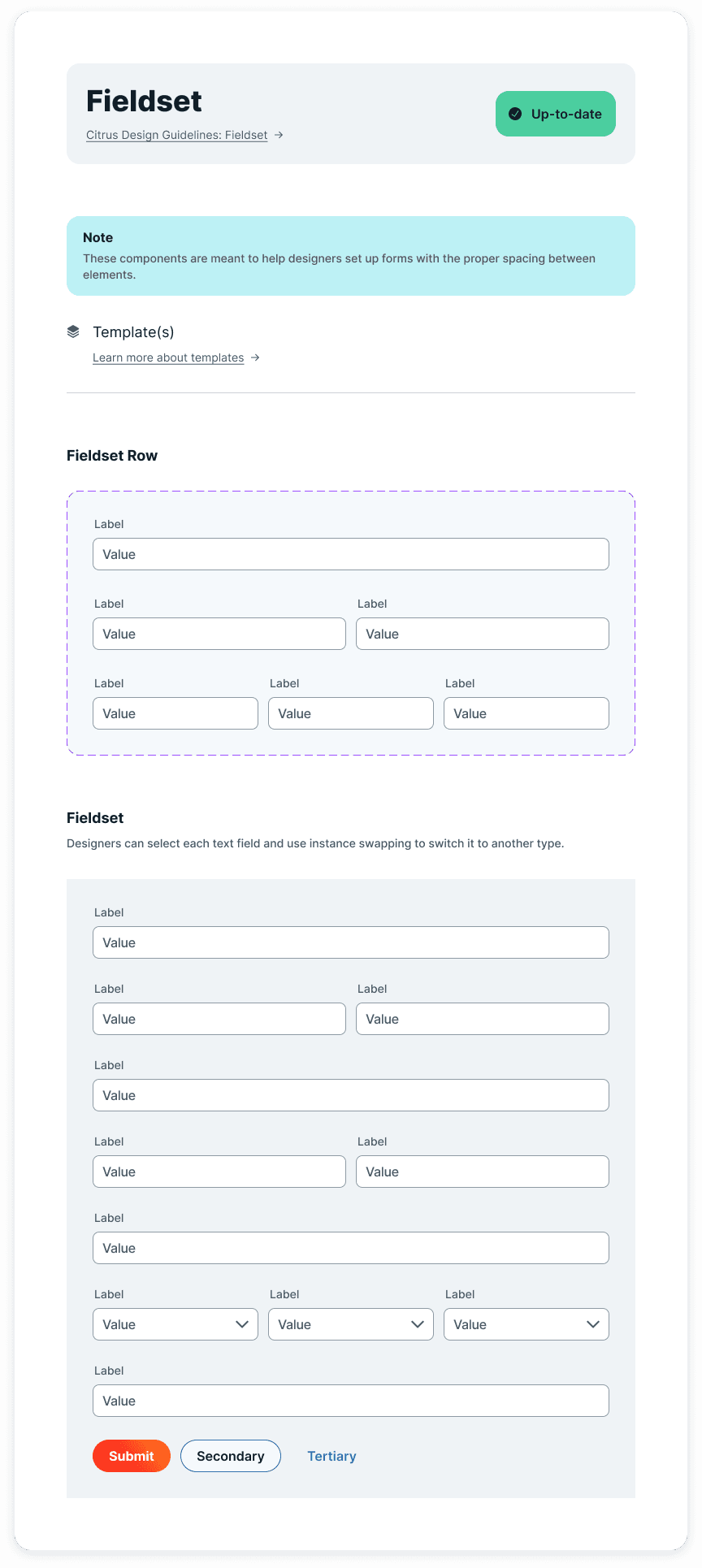
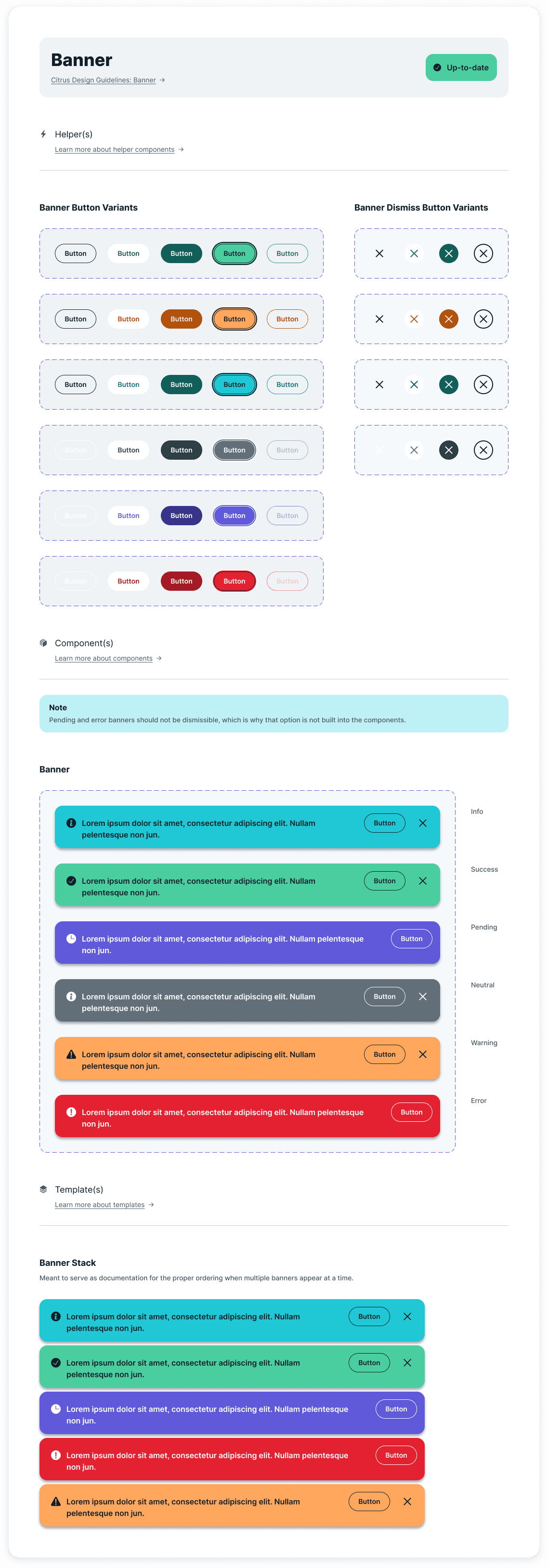
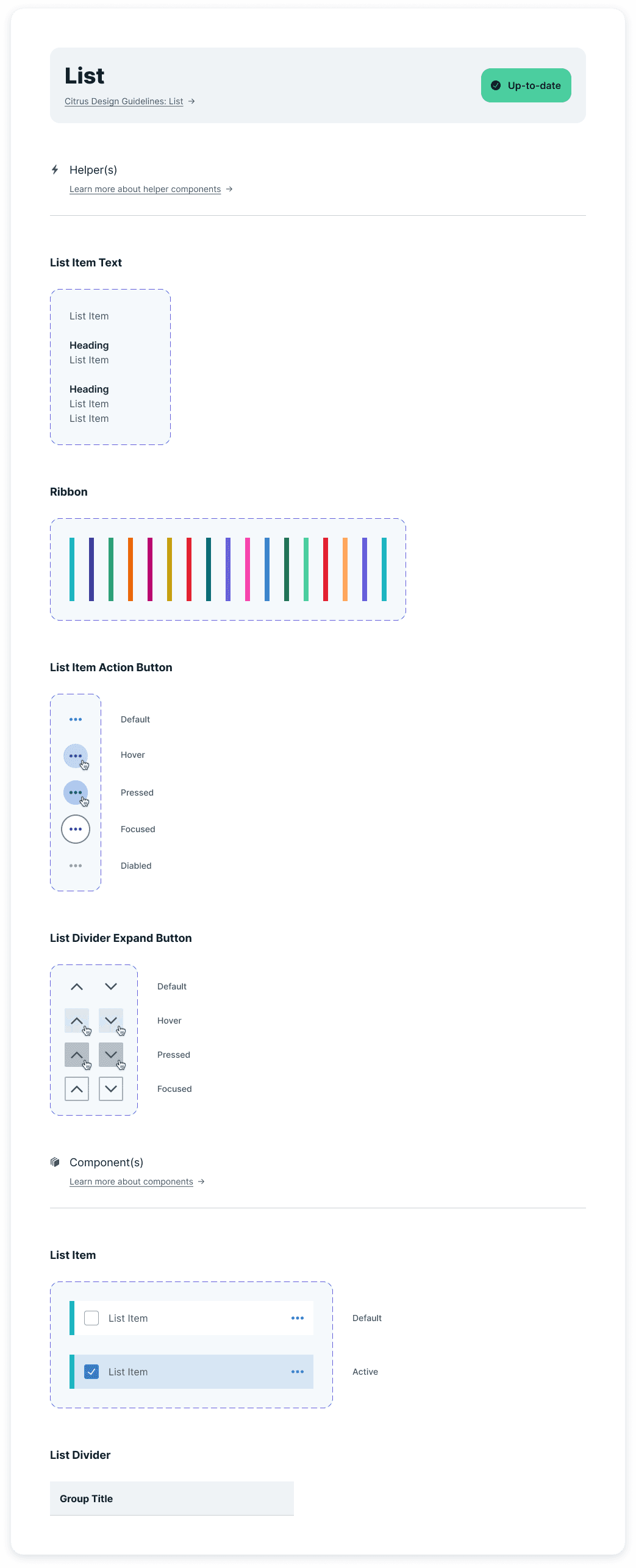
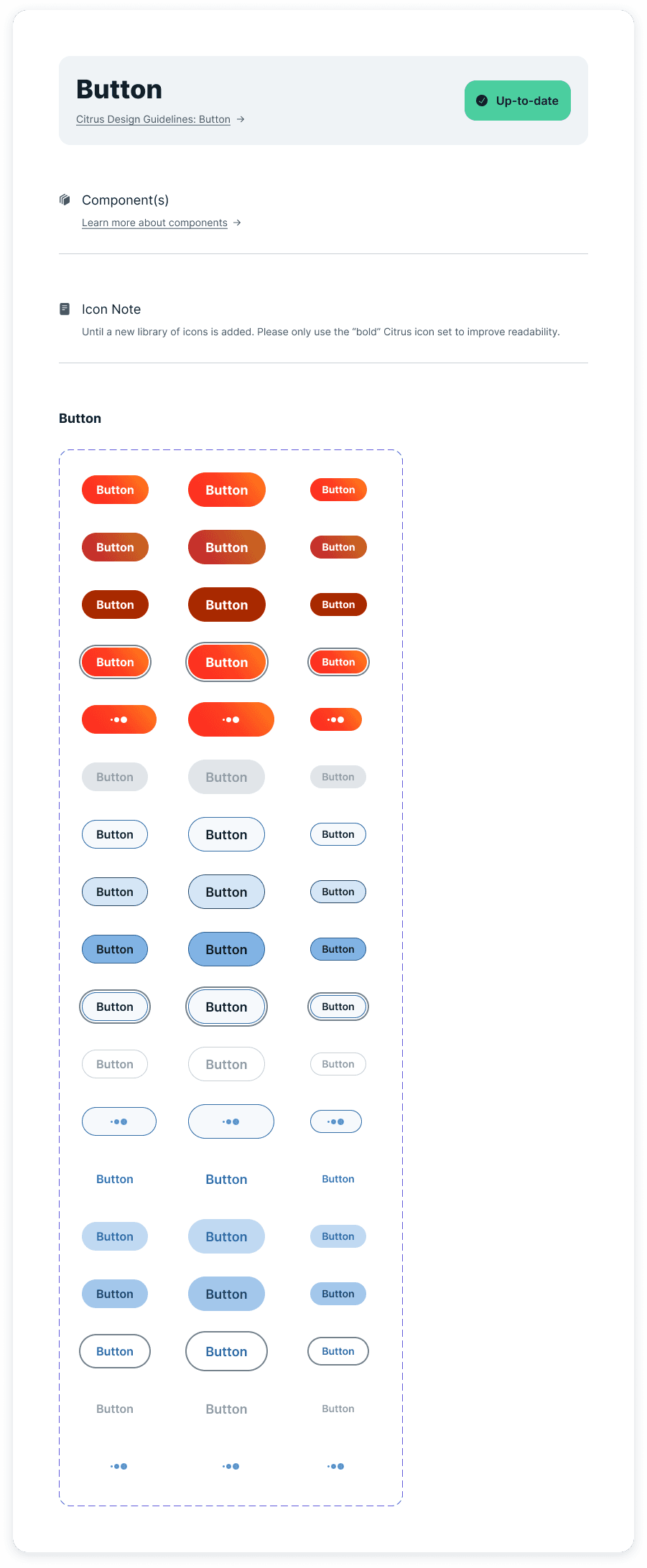
I contributed to several foundational efforts to support the new system, including defining early designs for mobile components and simplified screen structure.
Starting a New Library