Challenges
No Source of Truth
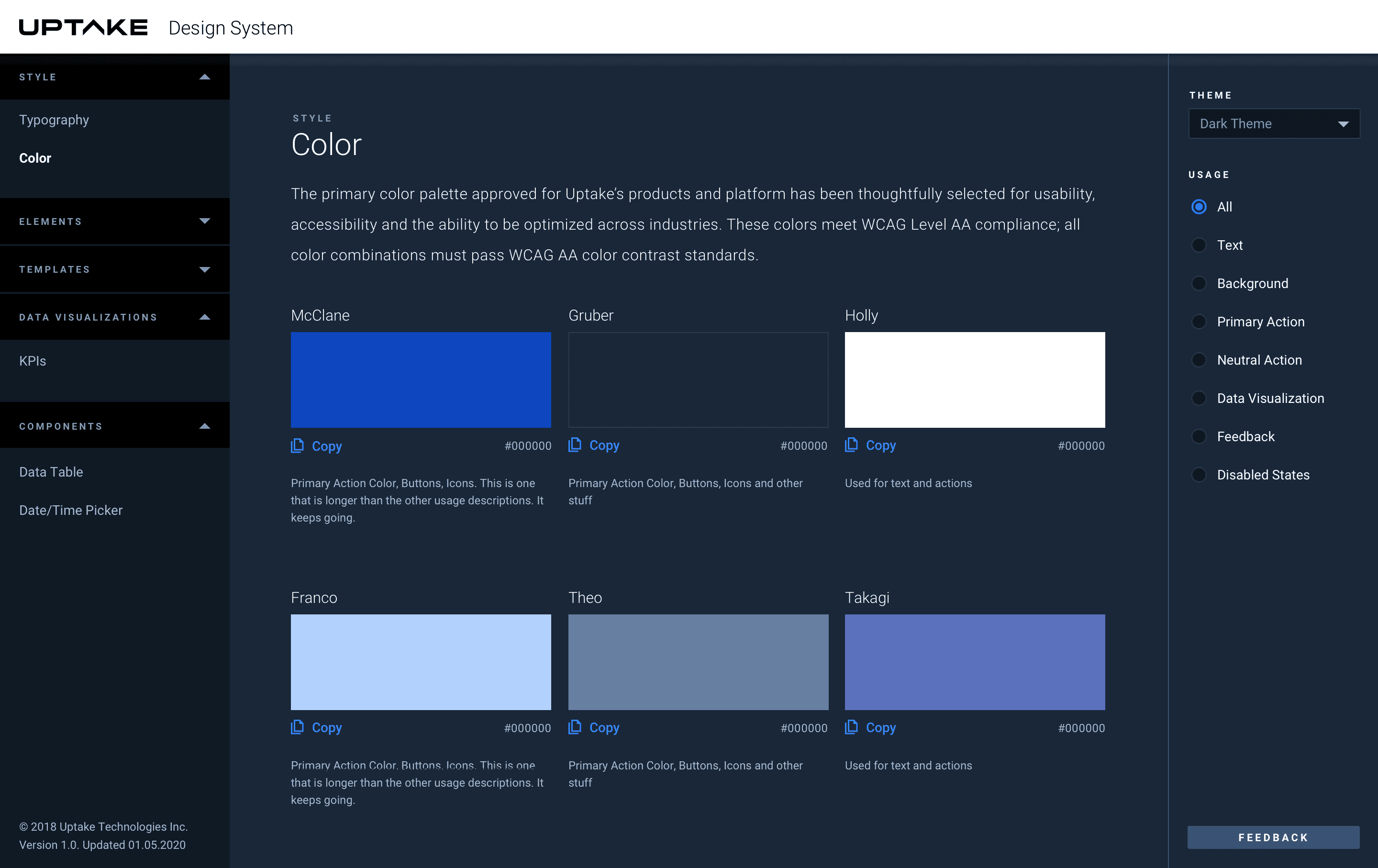
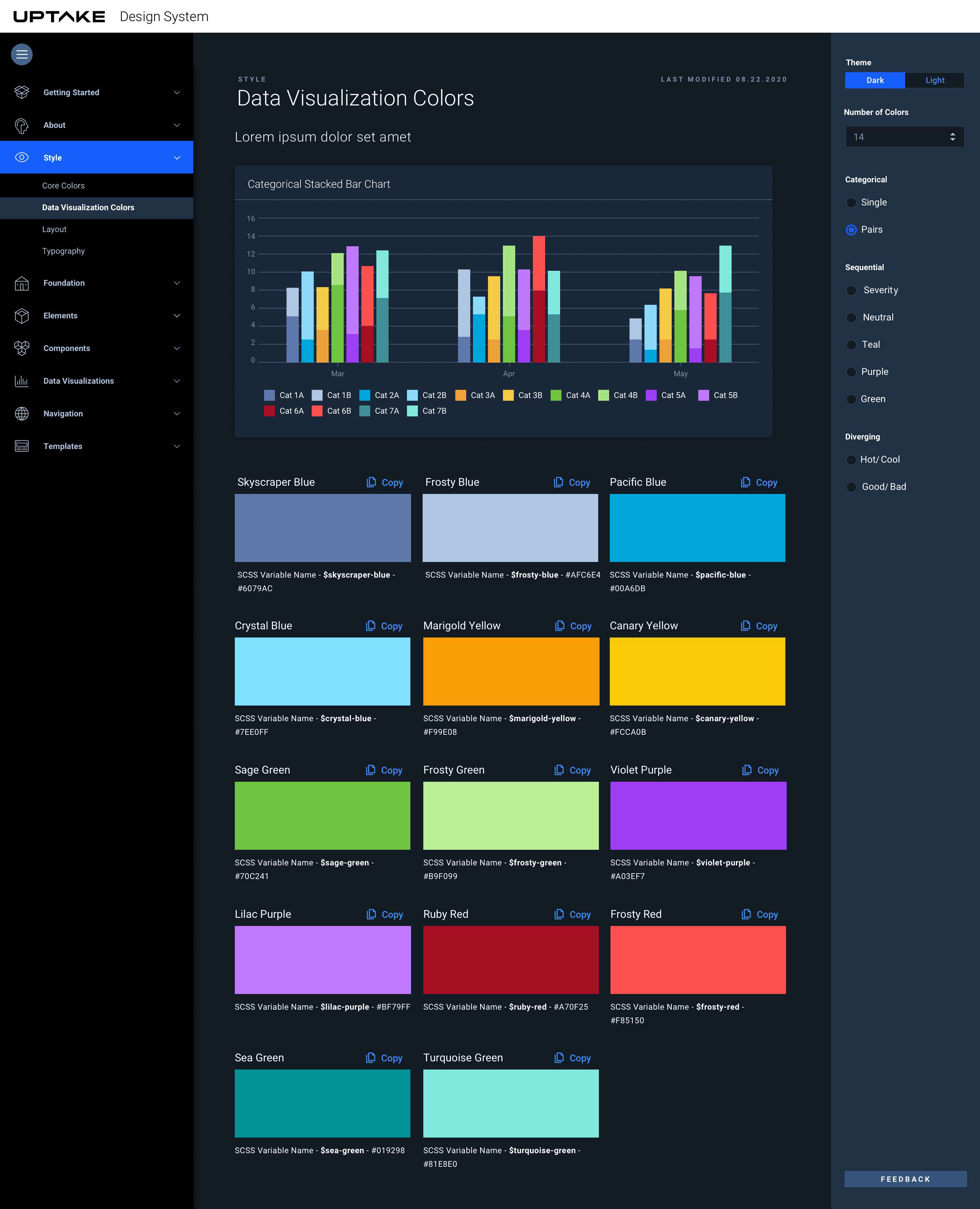
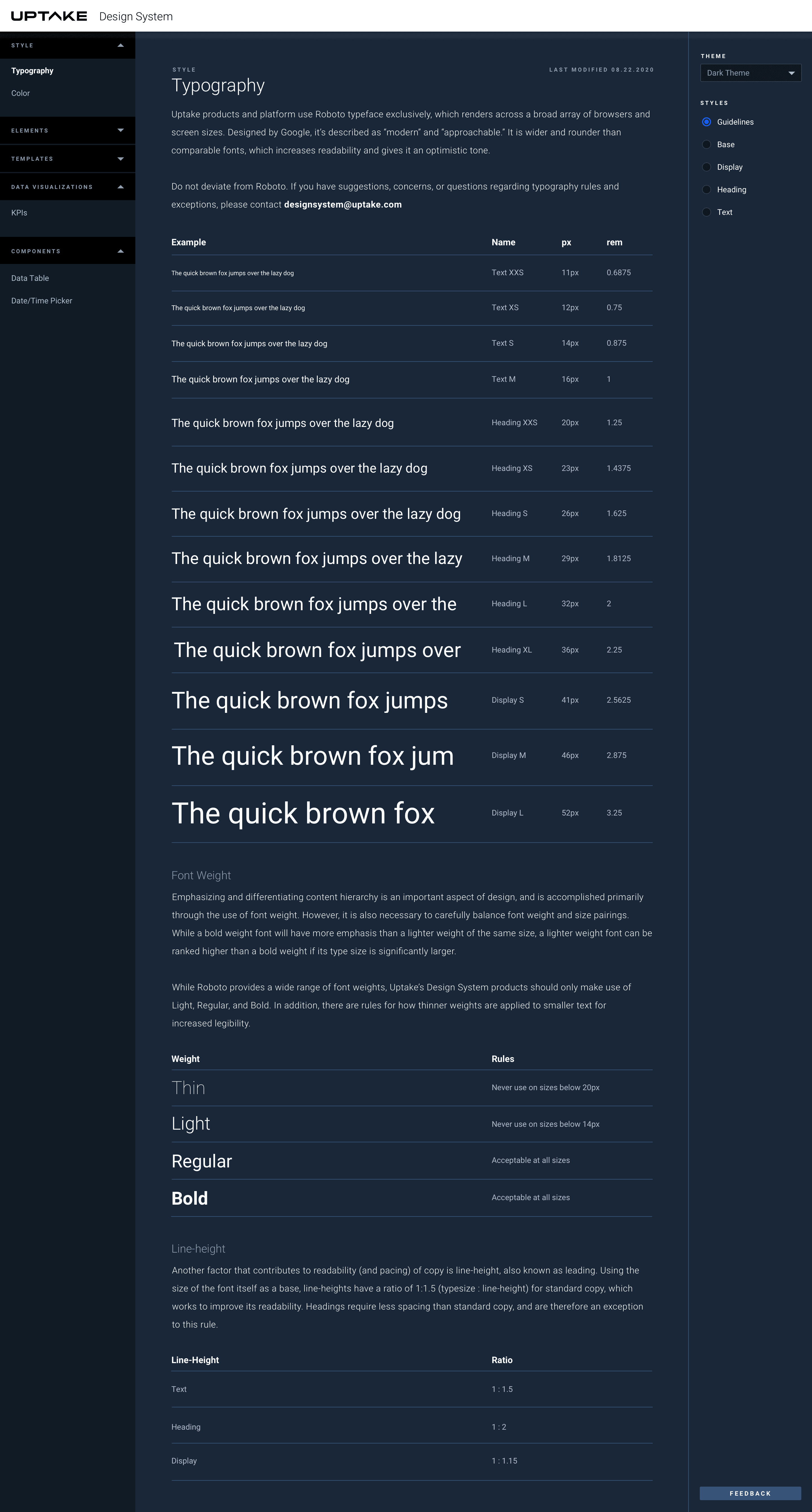
Now that we had an initial style guide, we needed an official way to easily disseminate information. Even with a document stating that #0d46bf was our primary blue, we watched teams color-pick, approximate, and slowly drift from a simple variable like that. We needed a place where users could confidently access the most current information—without worrying about “zombie” styles.
Objectives
How We Can Reduce Entropy
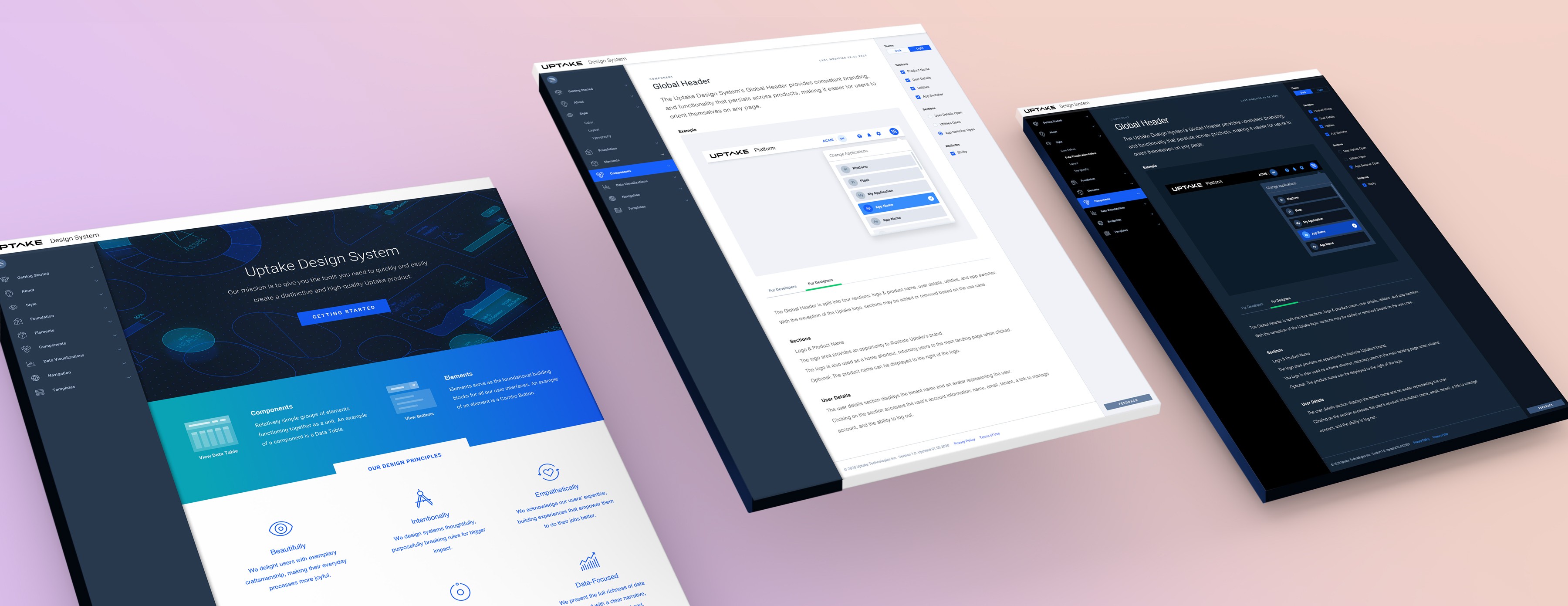
The documentation site needed to be an internal resource through close collaboration with product owners, developers, and designers. It provides essential guidance—including design principles, best practices, accessibility standards, templates, and code—to support consistent product development.
Outcomes
A One-Stop Shop
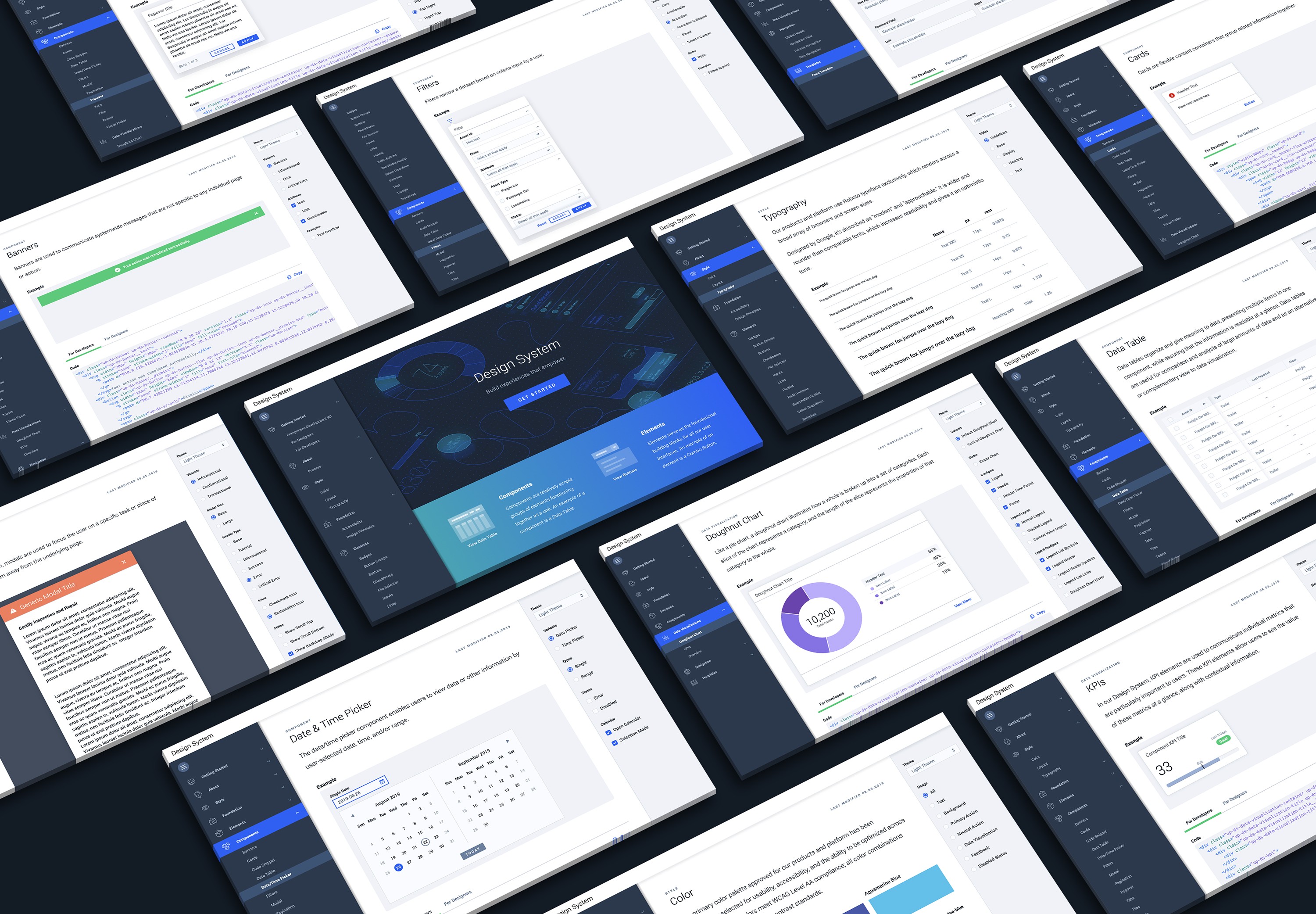
Serving as a centralized hub, the doc side became an oasis for design and engineering. It enabled developers to access reusable components through Vue, Angular, and React libraries, helping teams build efficiently while reducing technical debt. And designers could quickly view and interact with components, read about their usage, and contribute feedback.
A C H I E V E M E N T S
Design tokens & theming: Systemized color, spacing, ornamentation, and typography
Accessibility standards: WCAG-compliant patterns tailored for severity/safety/state industrial environments
Clear documentation & governance: Usage guidelines, content patterns, RFCs, and versioning workflows for Design and Product
Quality assurance automation: Visual regression testing for system reliability and consistency
H U R D L E S
Not every good component fits the system: Even when guidelines are followed, some designs still require rethinking to work at a system level
Design systems require saying no: Avoiding bespoke features protects long-term consistency, even when it’s tempting to build something new
Designing for diverse roles is challenging: We built flexible experiences that support users ranging from executives to field technicians
Data tables are deceptively complex: When designed well they disappear into the workflow—but getting there takes significant effort
Documentation isn’t always enough: Even with thorough docs, interpretation could be vast—ongoing guidance and education from the design system team was essential
Context beats completeness: Users didn’t want to see everything—interfaces worked best when tailored to role and task
Design for the real environment: Our software is sometimes used on an iPad, outside, in bright sunlight—so field conditions and safety constraints had to shape the design
What's our MVP?
Collaborate on Designing a New Doc Site
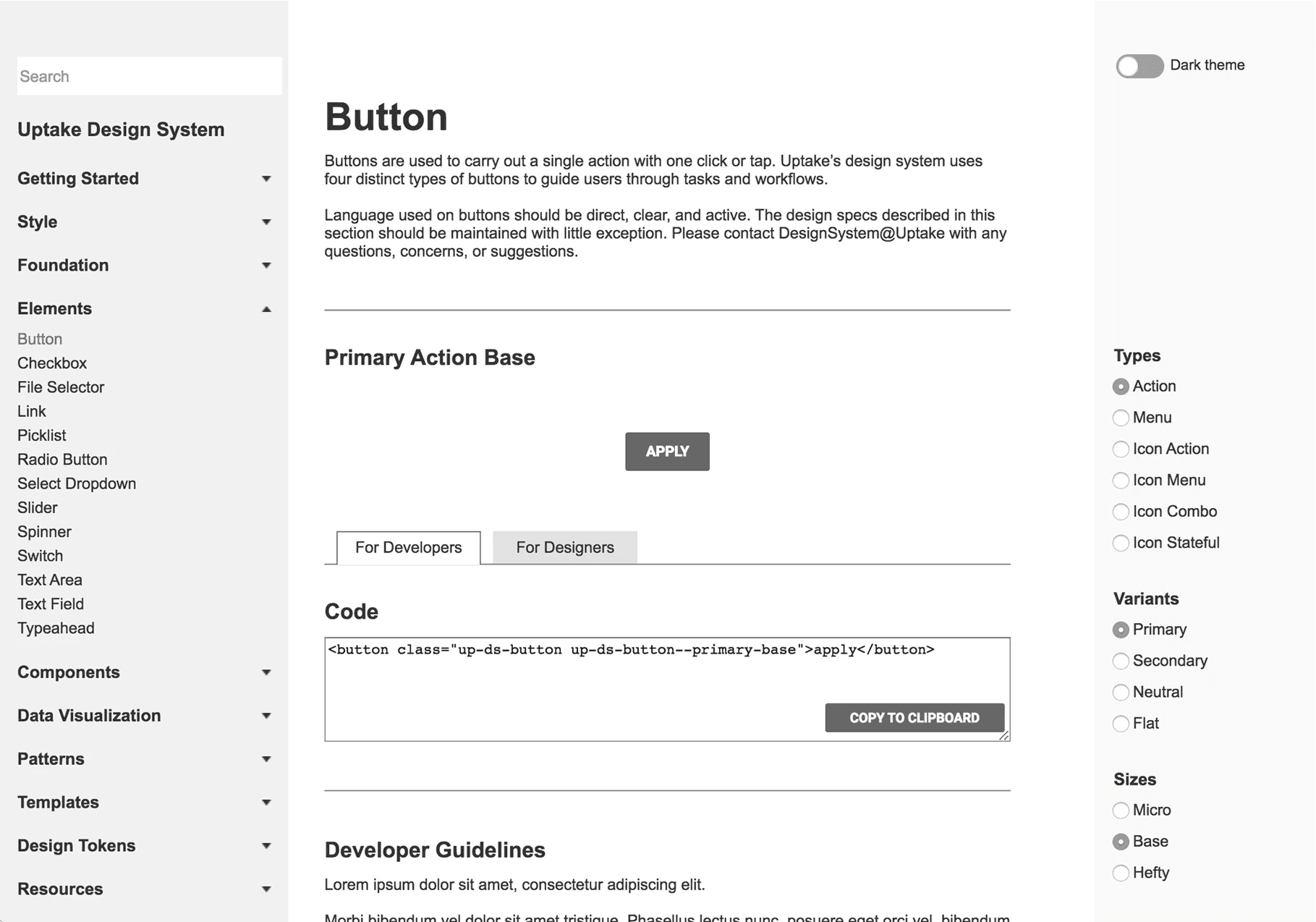
As our design system matured and its early visual language and processes began to take shape, it became clear that we needed a centralized documentation hub. This hub would serve as a starting point for designers, engineers, product teams, and external contributors. It also created an opportunity to begin using and testing some of the foundational components we had already built. To get started, we reviewed several public design systems and distilled key ideas from their documentation sites to inform our own MVP.
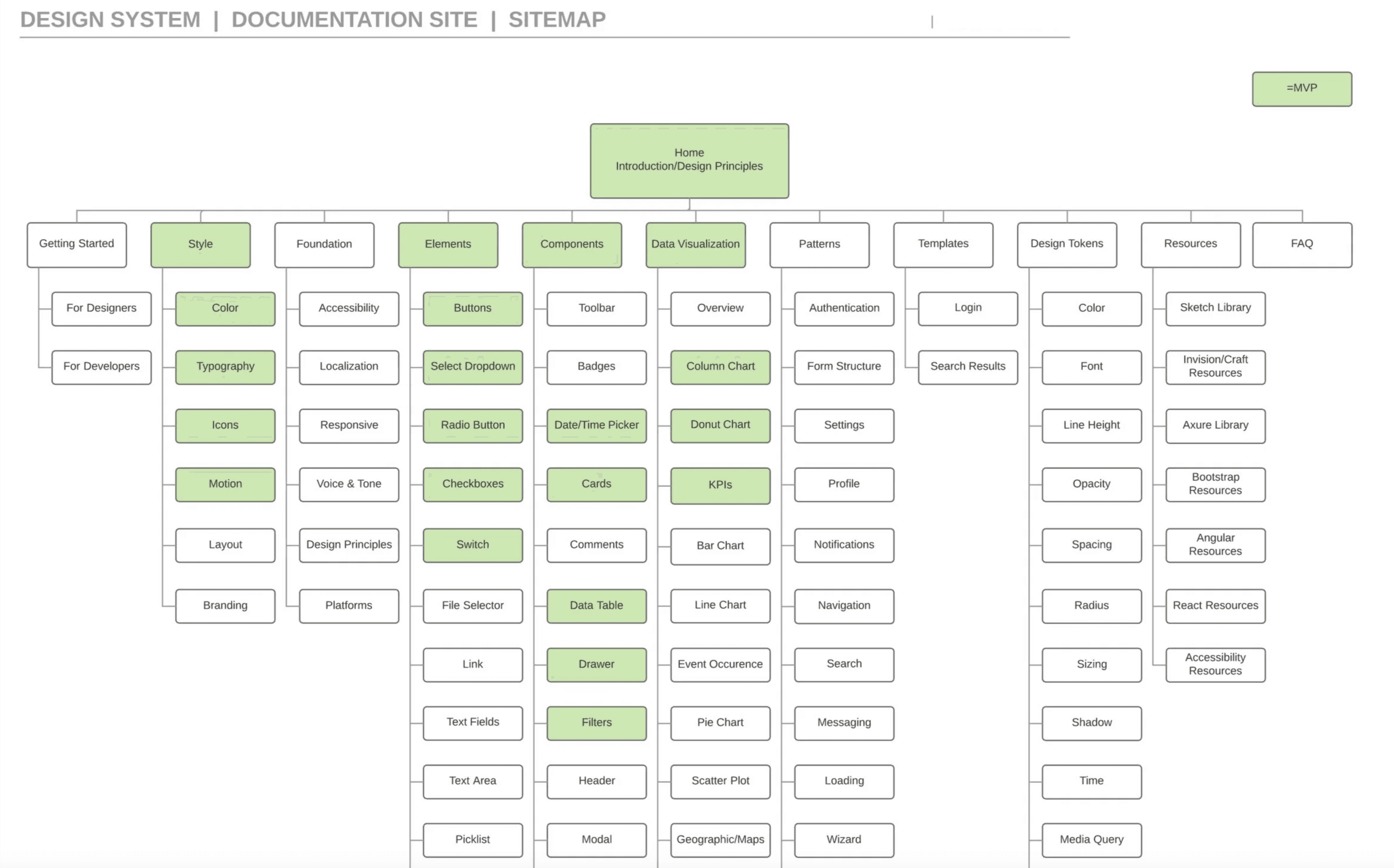
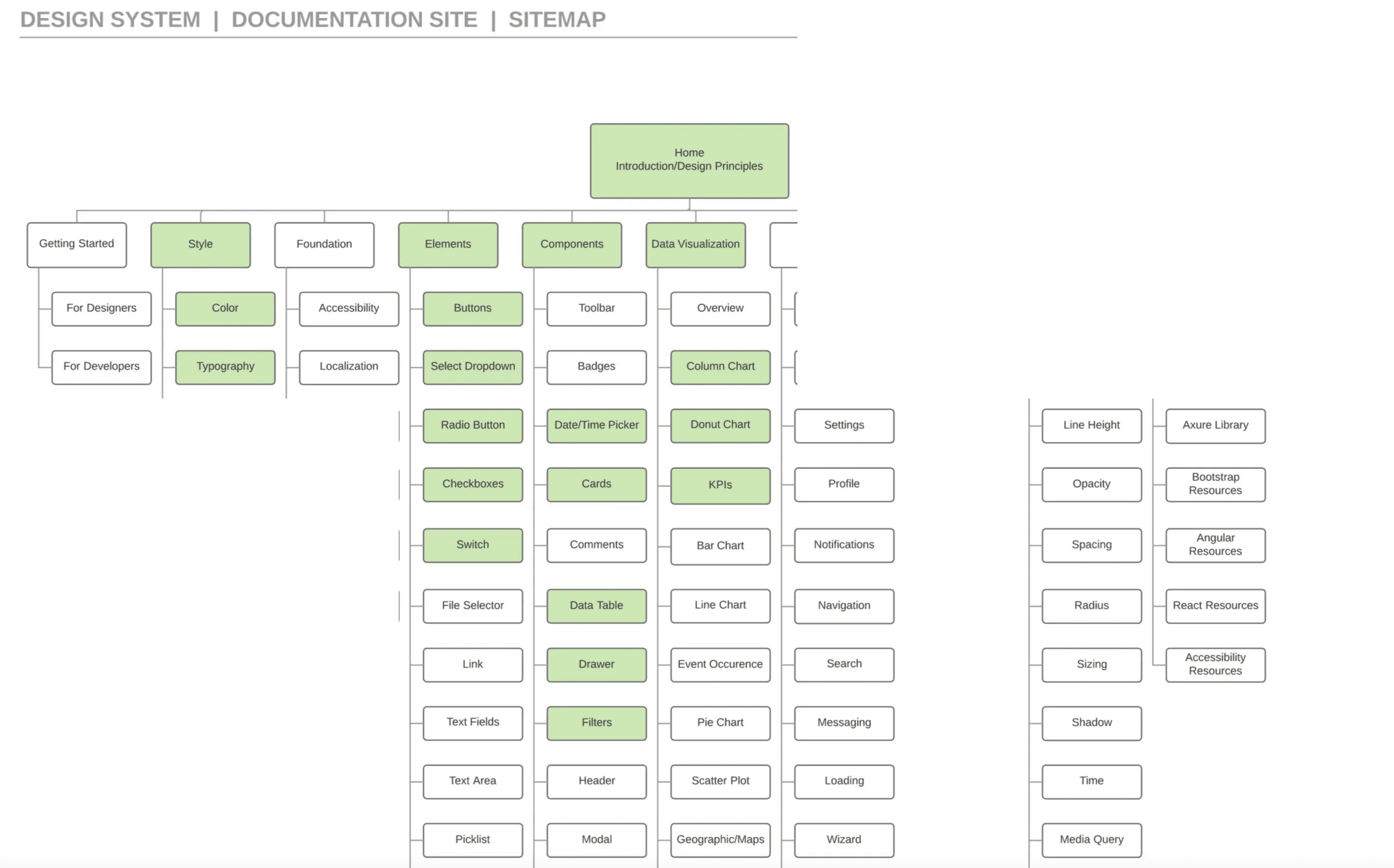
After developing an initial sitemap, we conducted interviews with product and engineering teams to understand their priorities and identify what would most quickly alleviate pain points in their software. This research helped shape a solution that blended proven patterns from existing public design systems with the practical needs of our internal teams.
Time to Build
Our Mission
The documentation site was created as an internal resource through close collaboration with product owners, developers, and designers. It provides essential guidance—such as design principles, best practices, accessibility standards, templates, and code—to support consistent and scalable product development.
As a centralized hub, the site also enables developers to access reusable components through Vue, Angular, and React libraries. By standardizing these resources, teams can build more efficiently while reducing duplication and technical debt.
How We Broke Things Into Categories
Our Principals
Adoption
Creating a Path Towards Cohesion
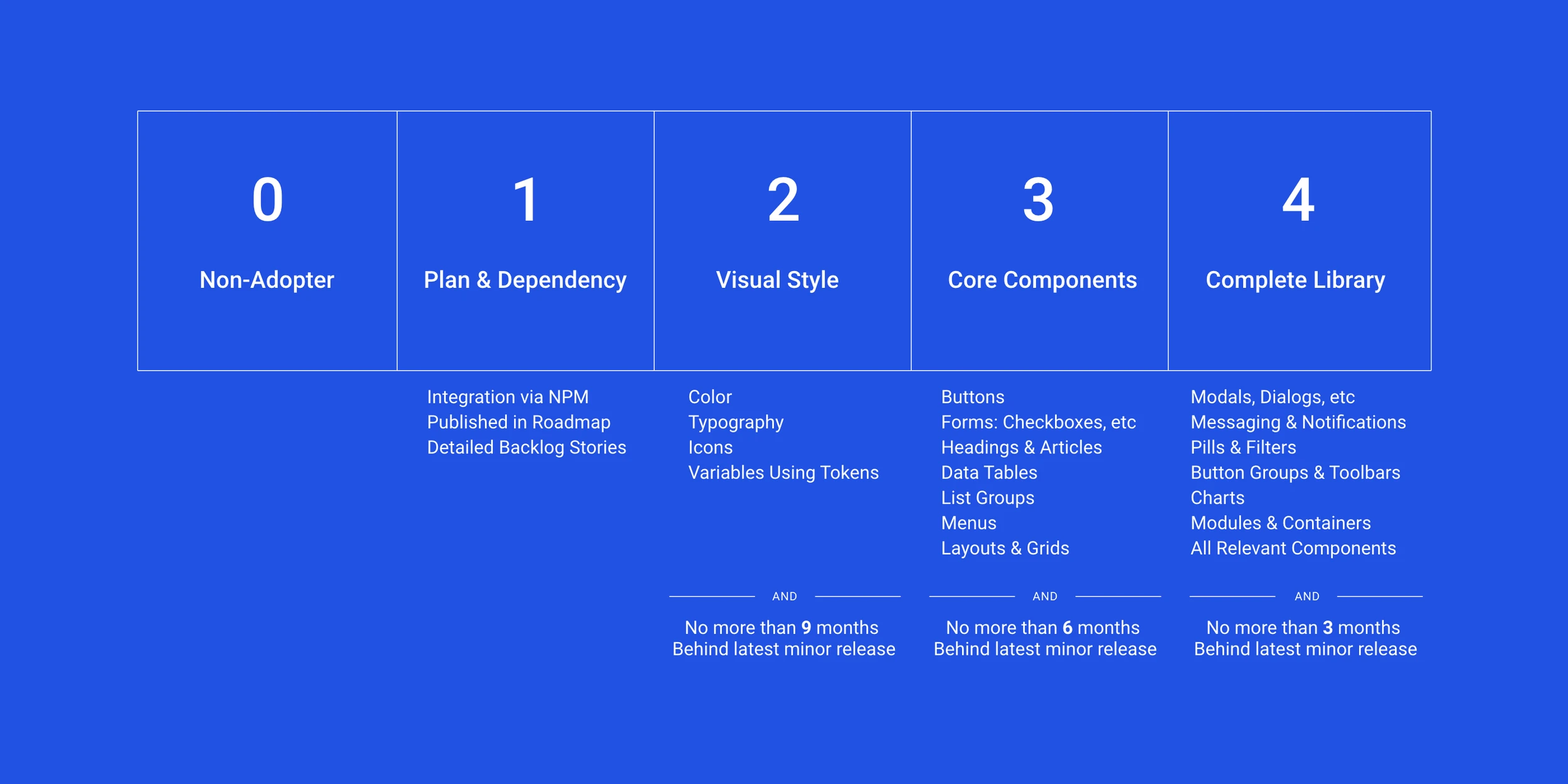
"If you build it, they will come” isn’t always true in software. As more of the system was documented, we quickly realized teams couldn’t simply drop everything and adopt the Design System overnight—there needed to be a clear path toward adoption.
Being Transparent About Our Own Debt
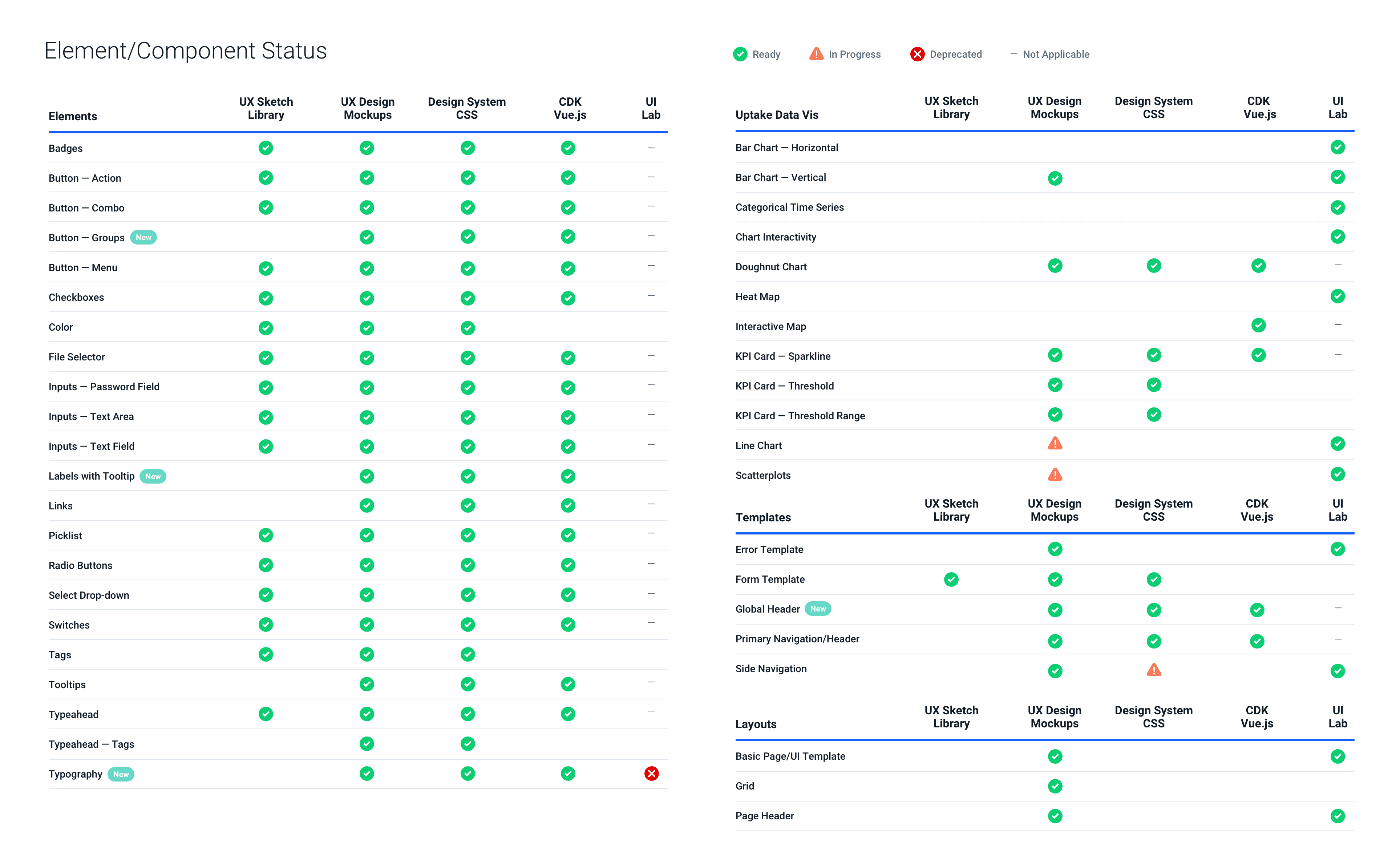
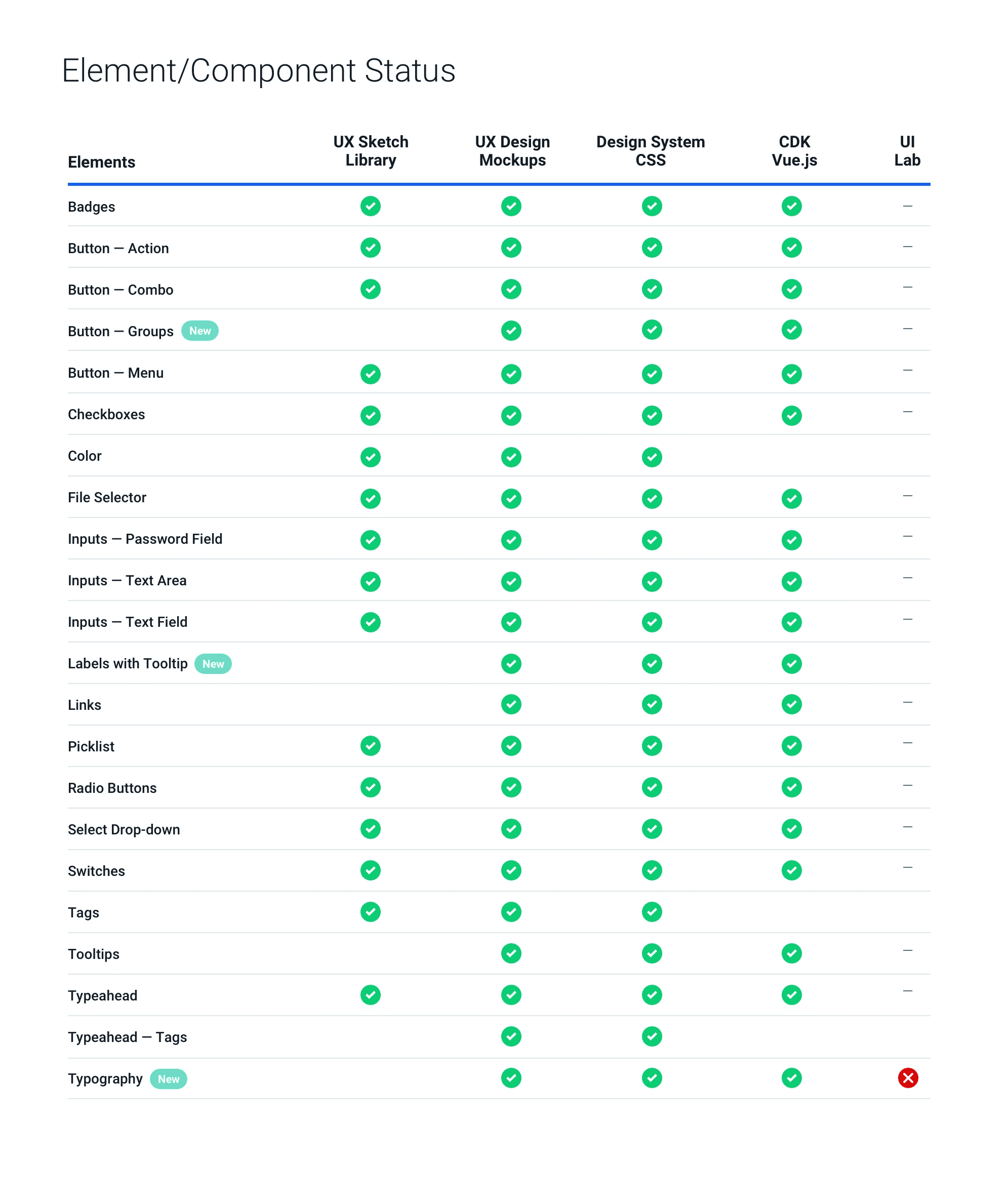
To improve communication between design and engineering, we introduced a component tracker that provided live updates and visibility into progress.
Examples
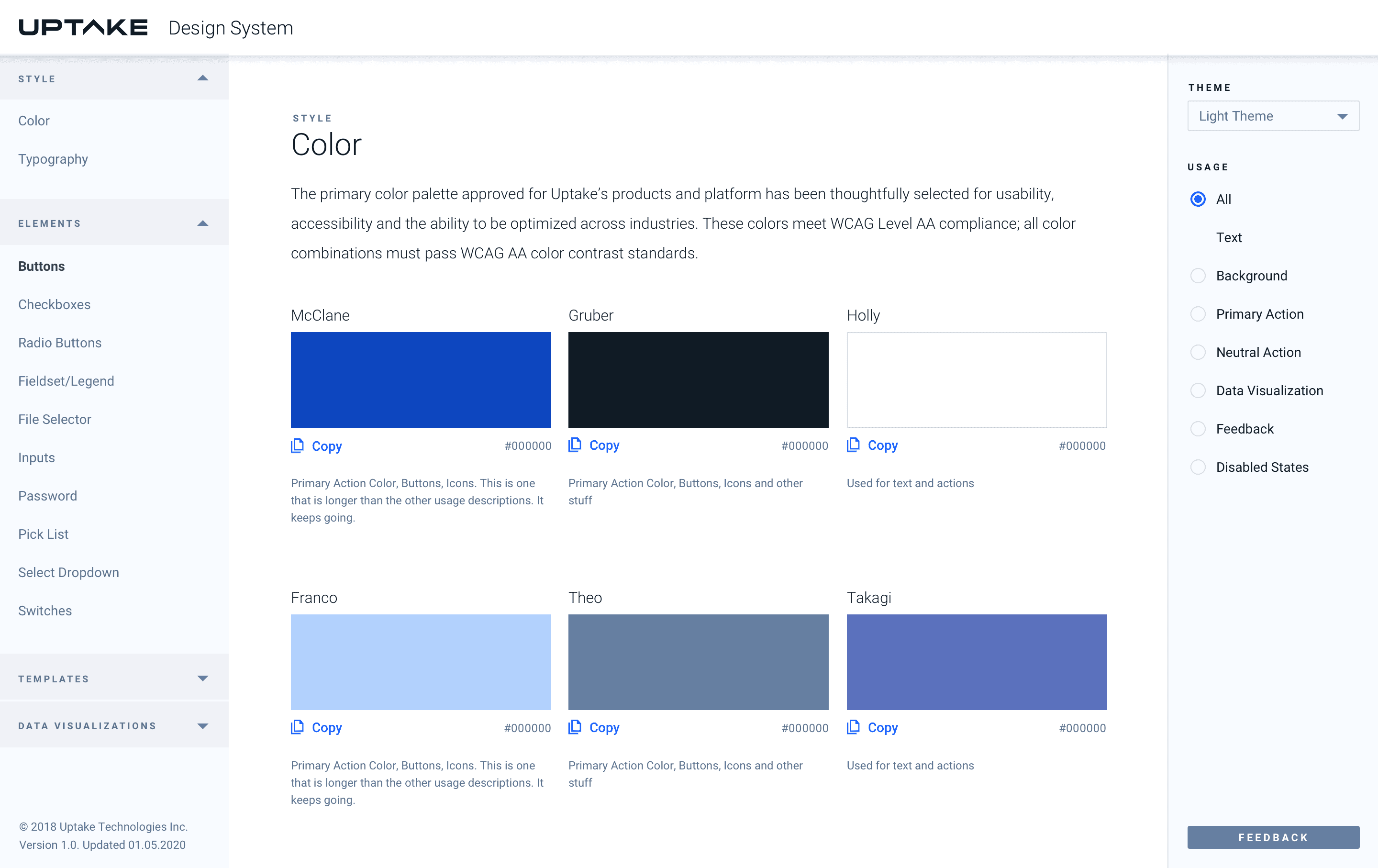
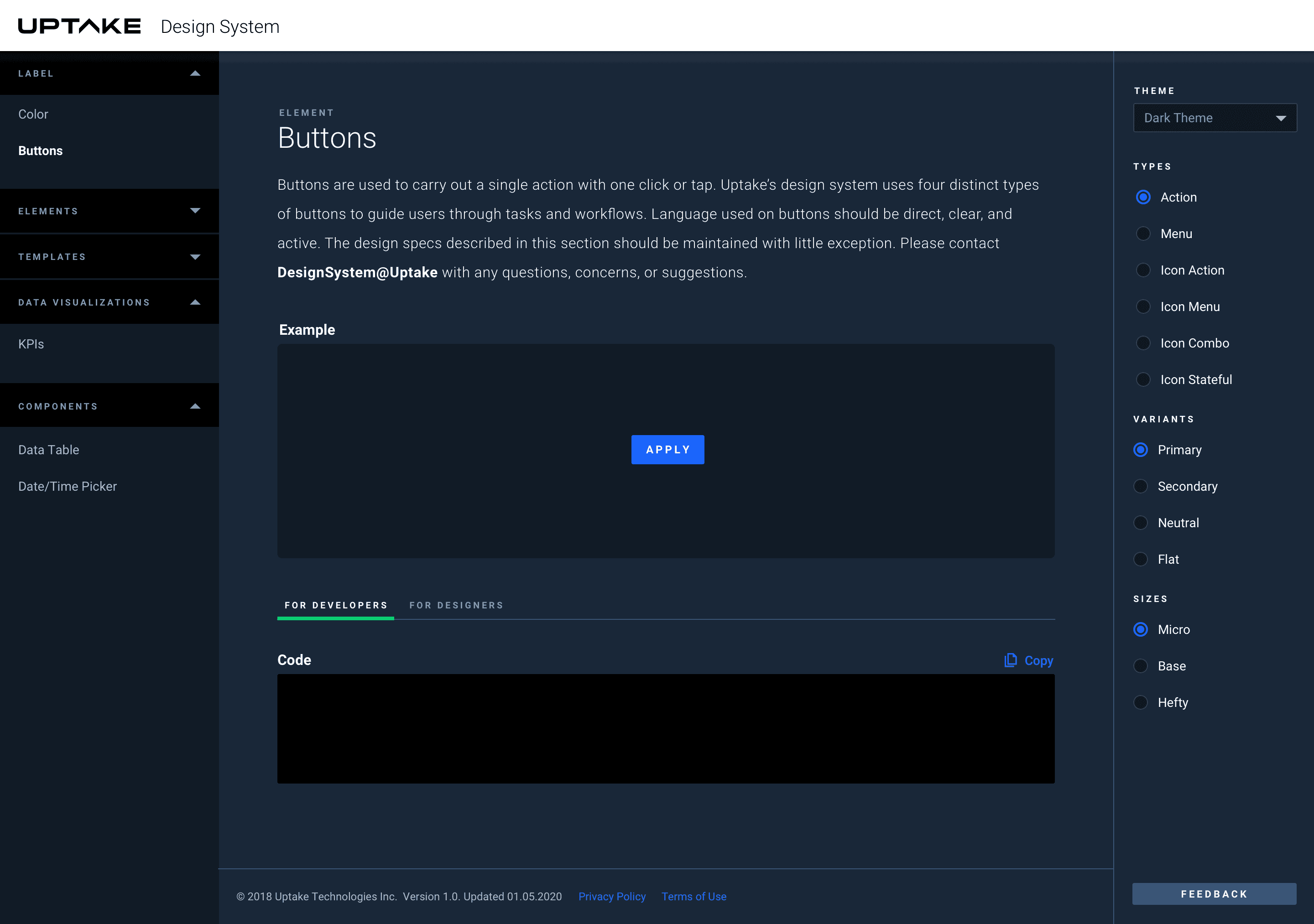
Theming for Light and Dark
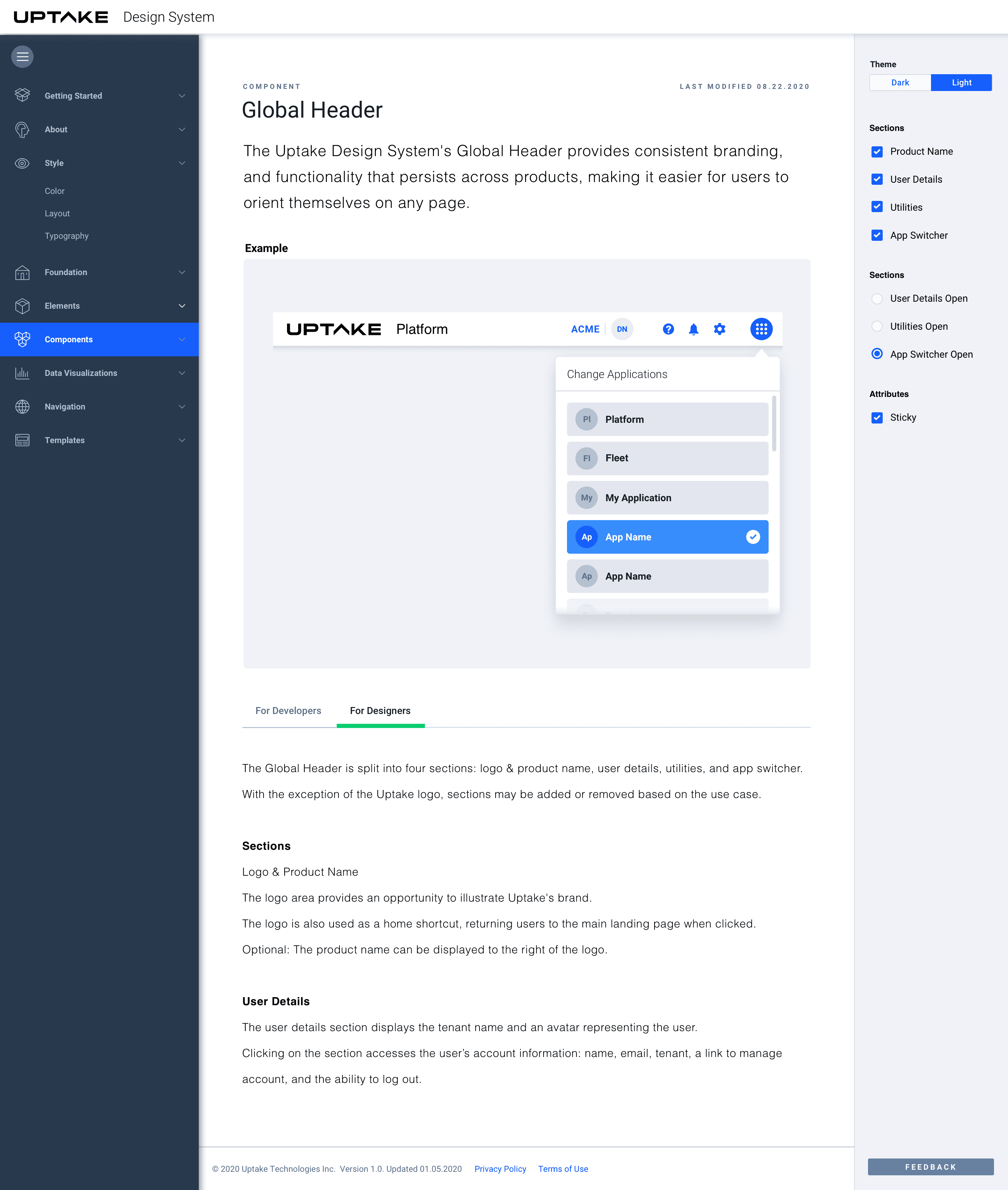
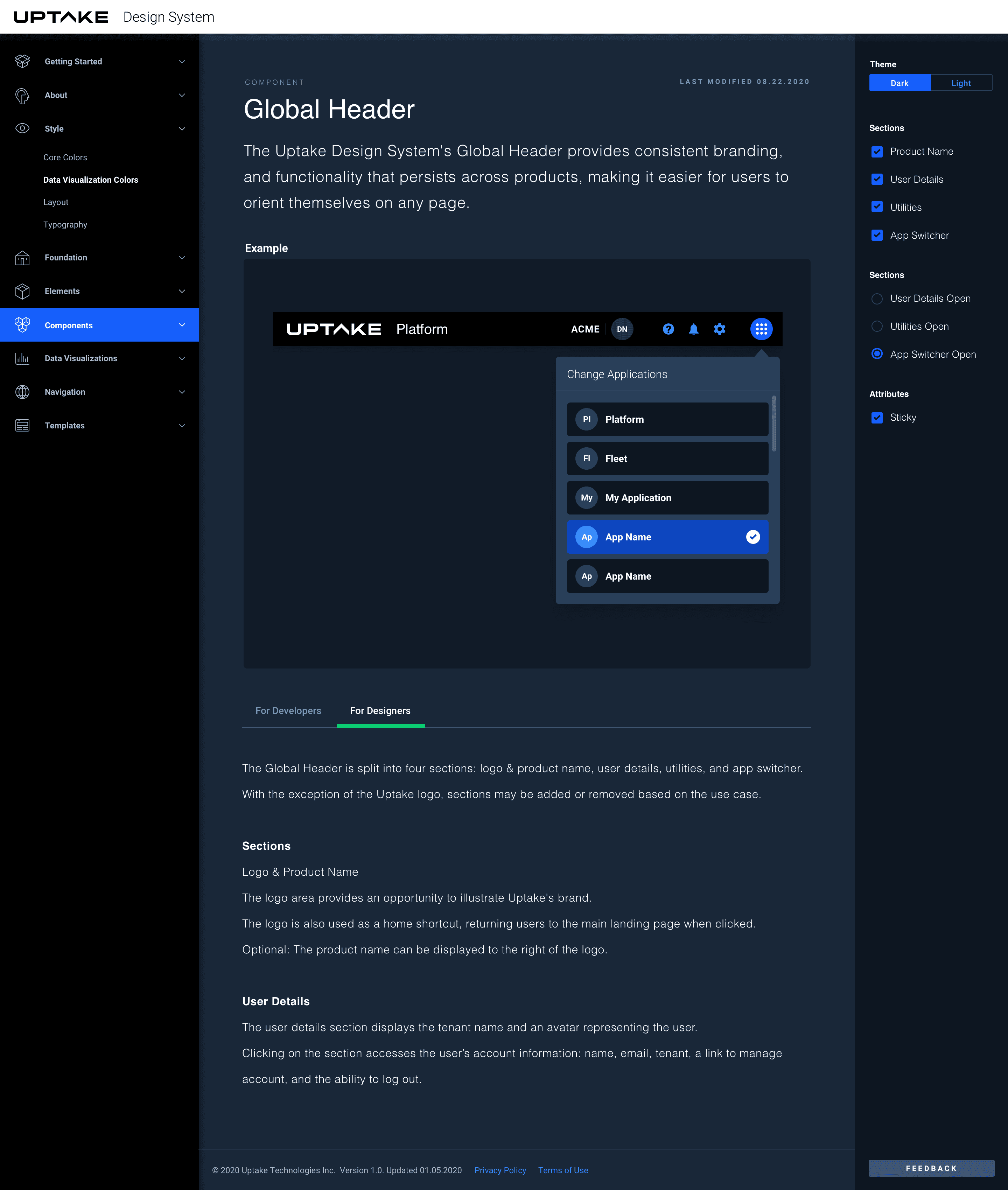
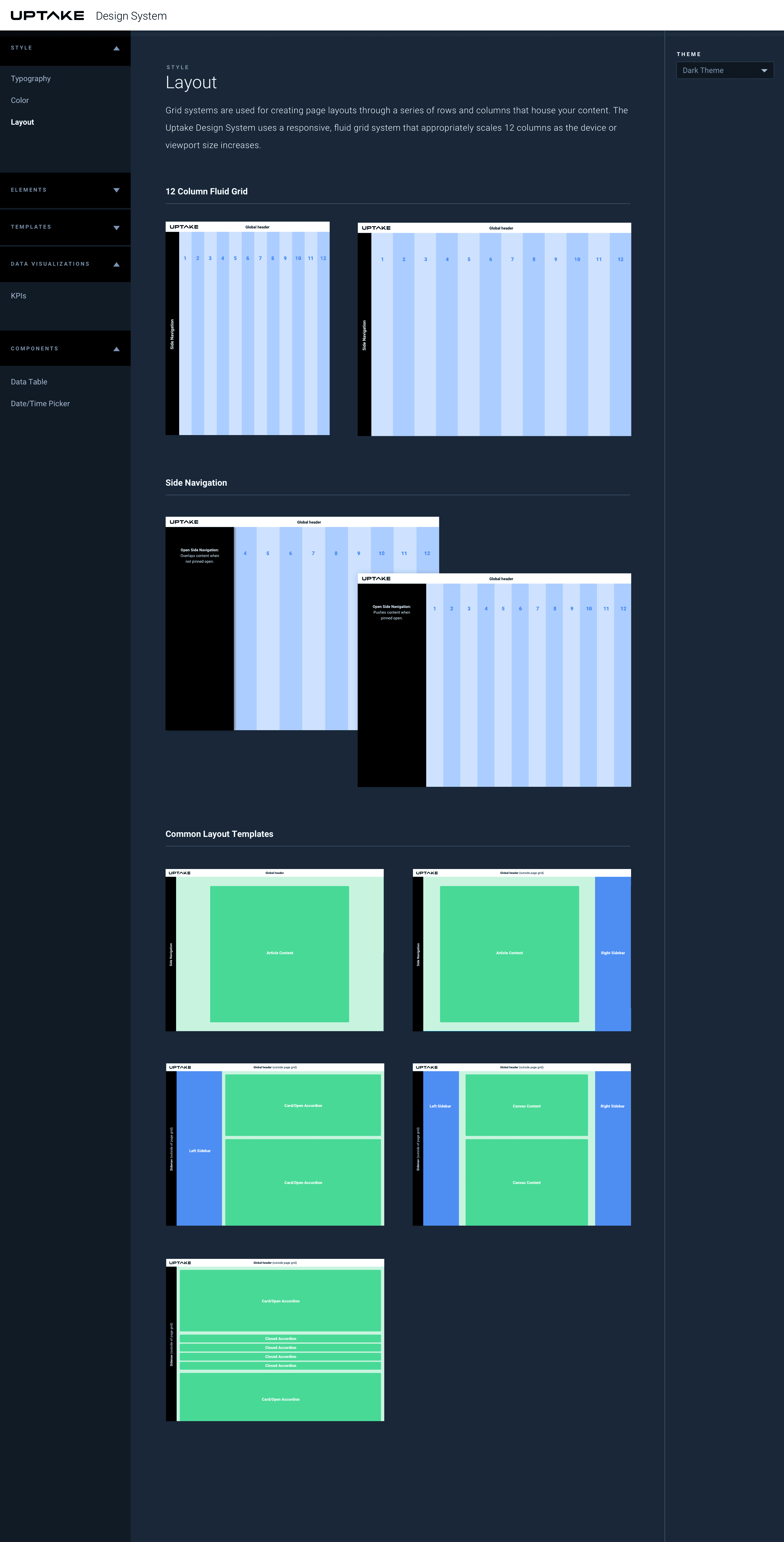
Styling Documentation