Building the Uptake Design System
Creating an industrial Design System for a fast-scaling IoT AI/ML startup powering real-time, safety-critical industrial software.
Challenges
We Need a Hero
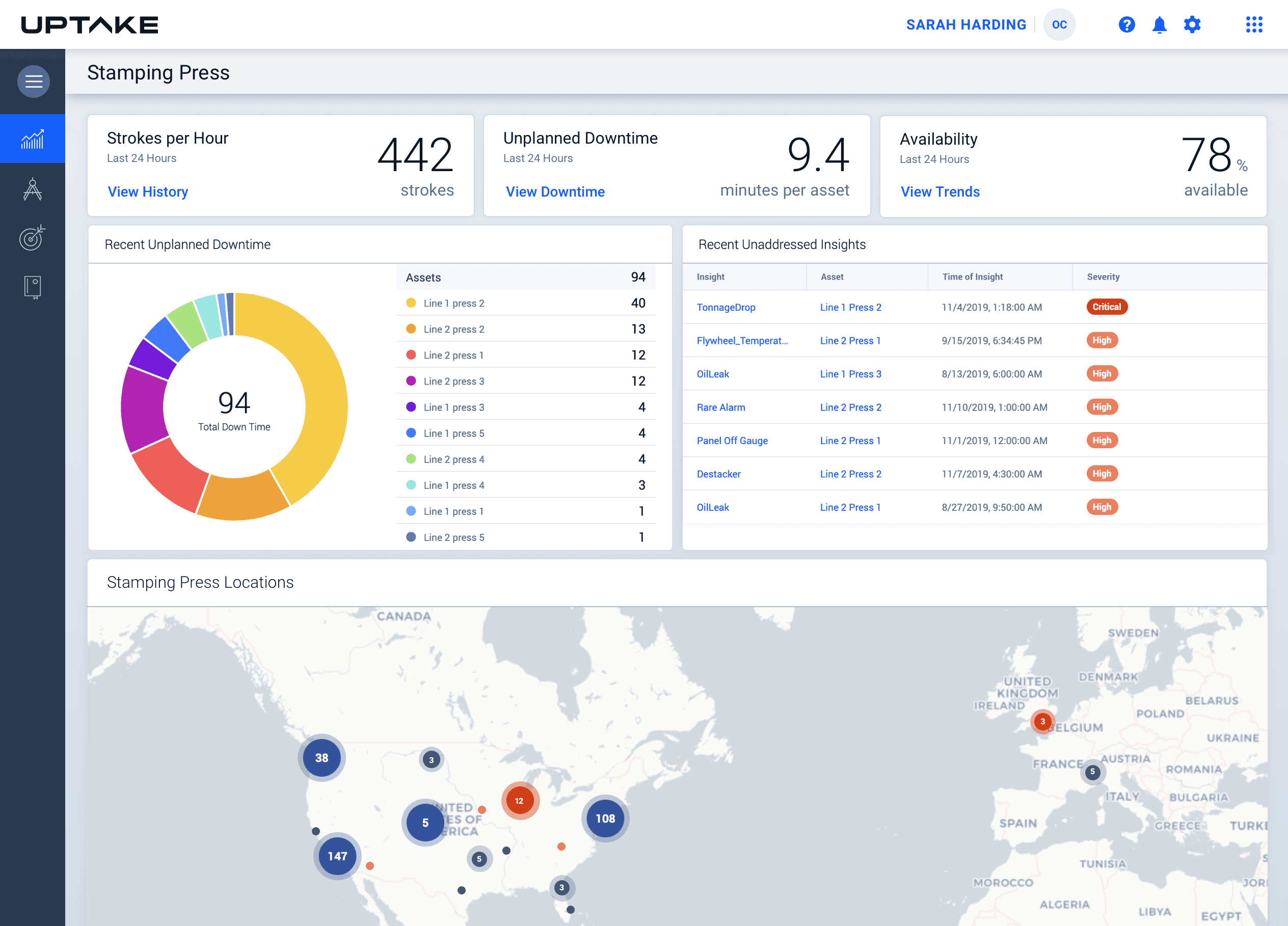
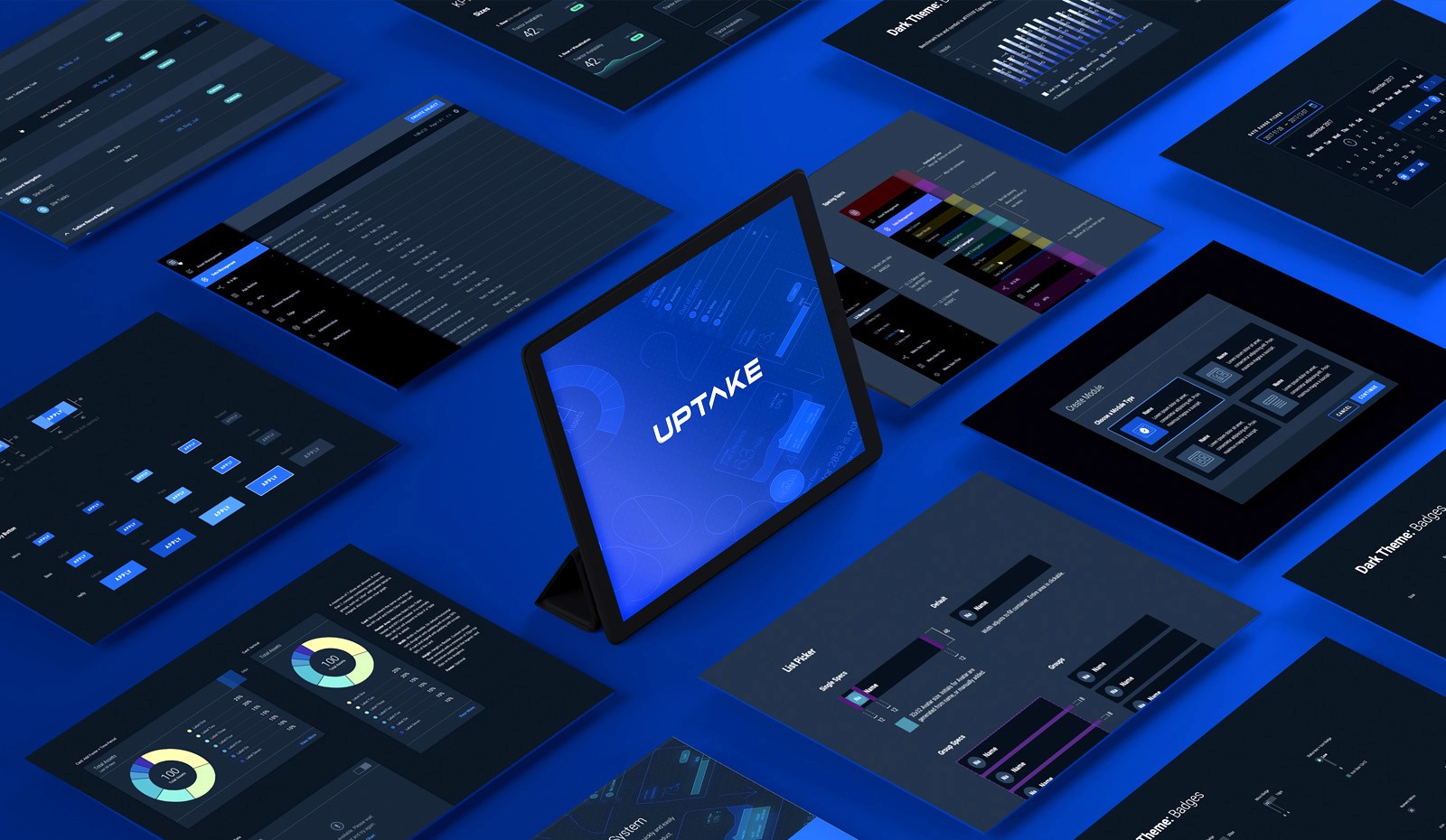
Uptake was a rapidly growing industrial AI/ML startup serving an extremely diverse user base—from analysts working in office environments to technicians servicing industrial machinery on-site. As the platform evolved, we faced the challenge of presenting highly complex data outputs in a clear and intuitive way.
Engineering teams were relying on their own homegrown UI kits and patterns to keep pace with demand, while UX was working quickly to scale. We needed to support theming, accessibility, and long-term scalability. In short, we needed a design system—and we needed it fast.
Objectives
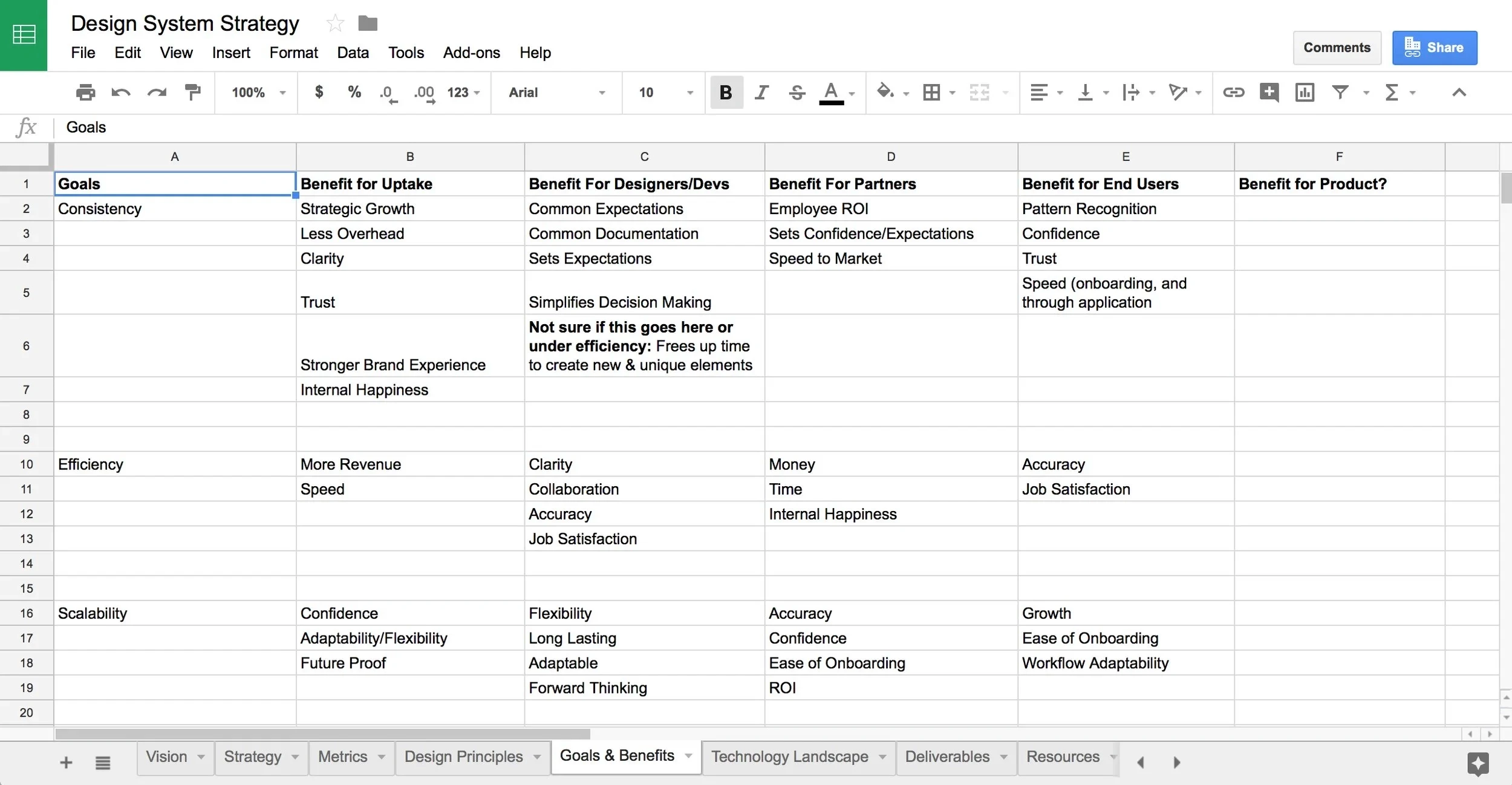
A Source of Truth
Create a scalable system that keeps products cohesive and trusted across complex workflows and diverse use cases. Reduce technical debt. Accelerate client partnerships. Speed up deployment. Unite product teams across verticals. All while weaving in brand expression and moments of visual delight.
Outcomes
How Did We Do?
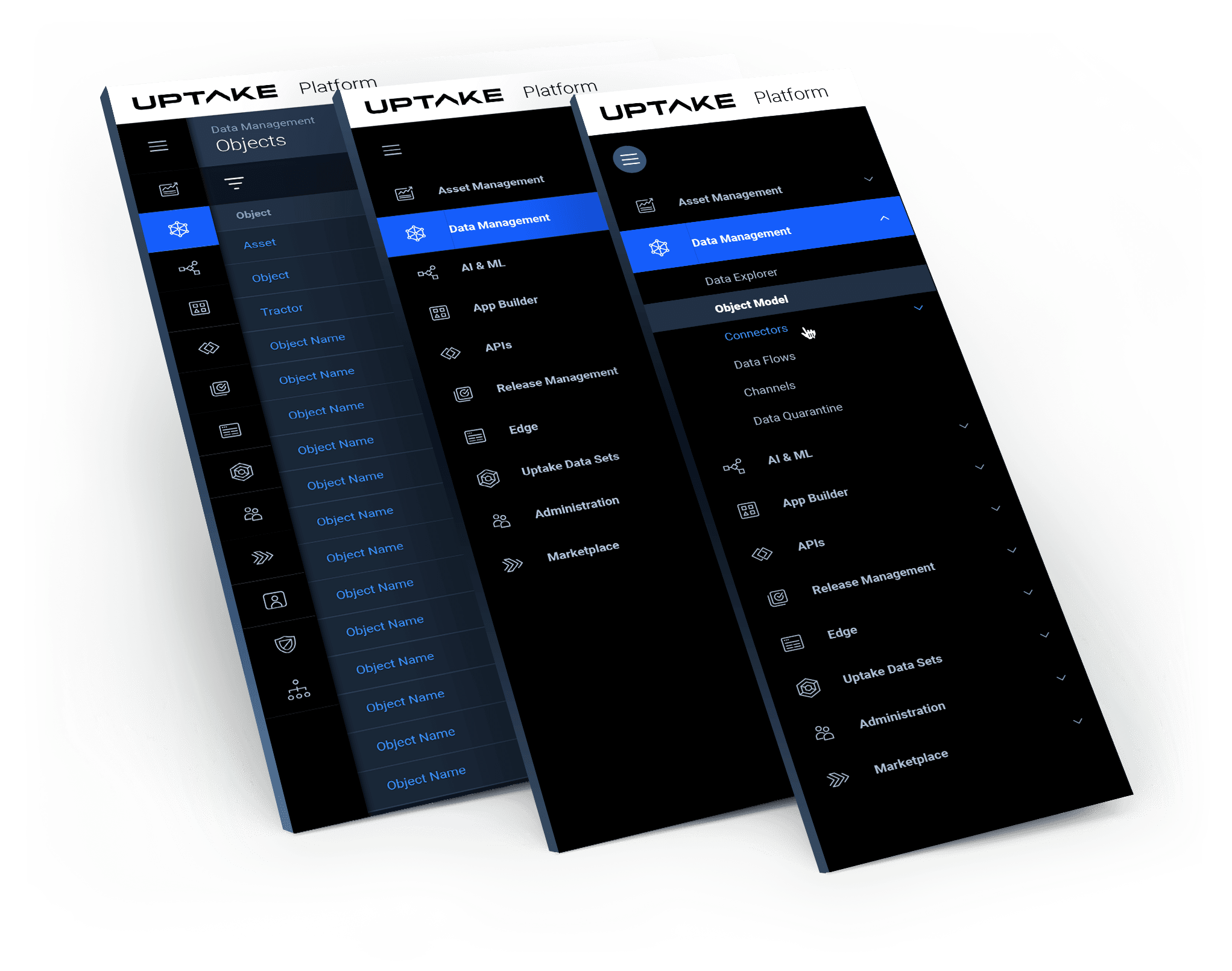
Over three years, the Uptake Design System grew from a simple UI kit and sticker sheet into a robust, living ecosystem. It expanded into a comprehensive documentation site and cross-functional effort uniting code, interaction patterns, UI components, guidelines, and visual standards. Designed to evolve with the product suite, the system supported continuous iteration and integration across teams.
A C H I E V E M E N T S
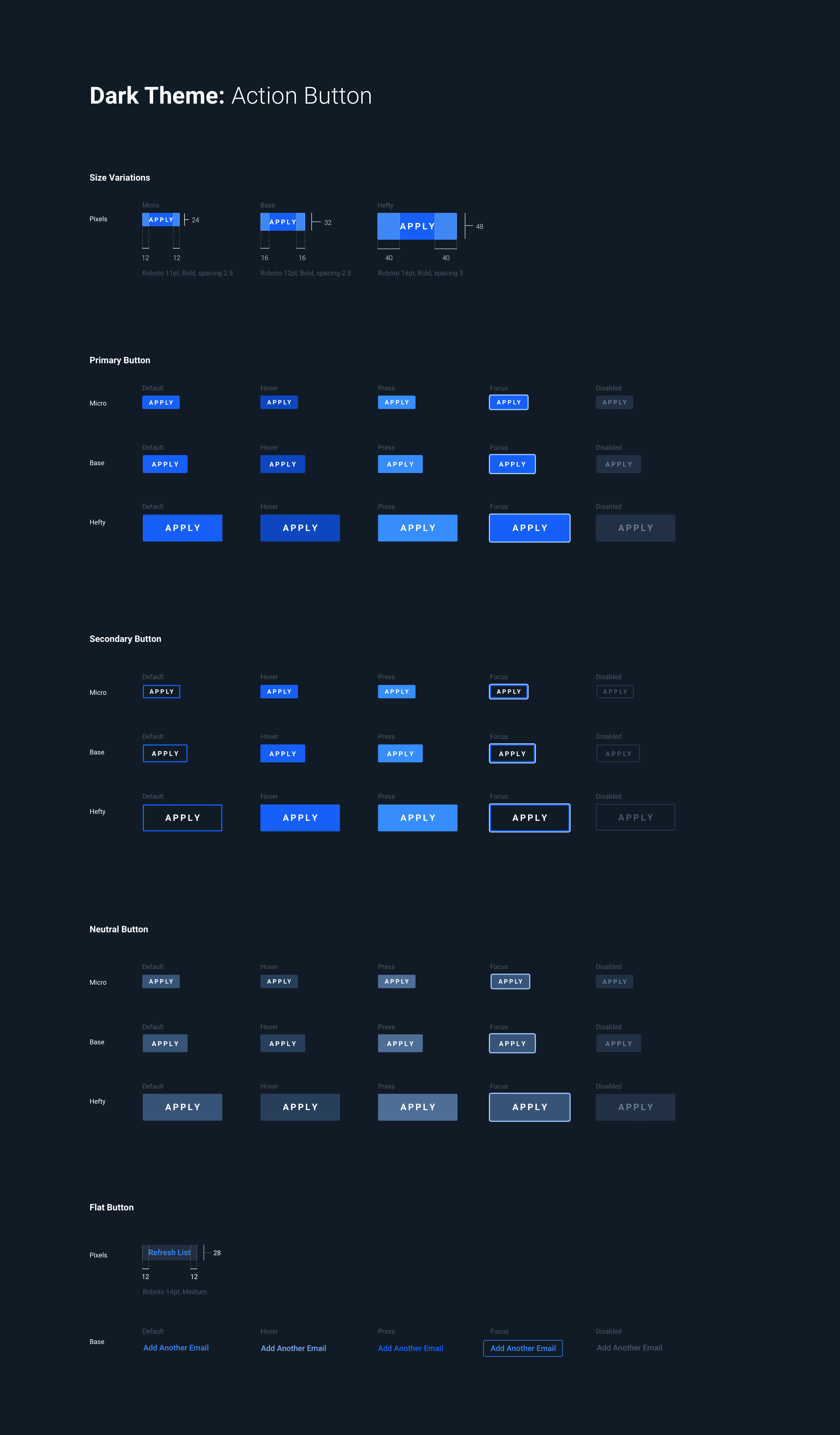
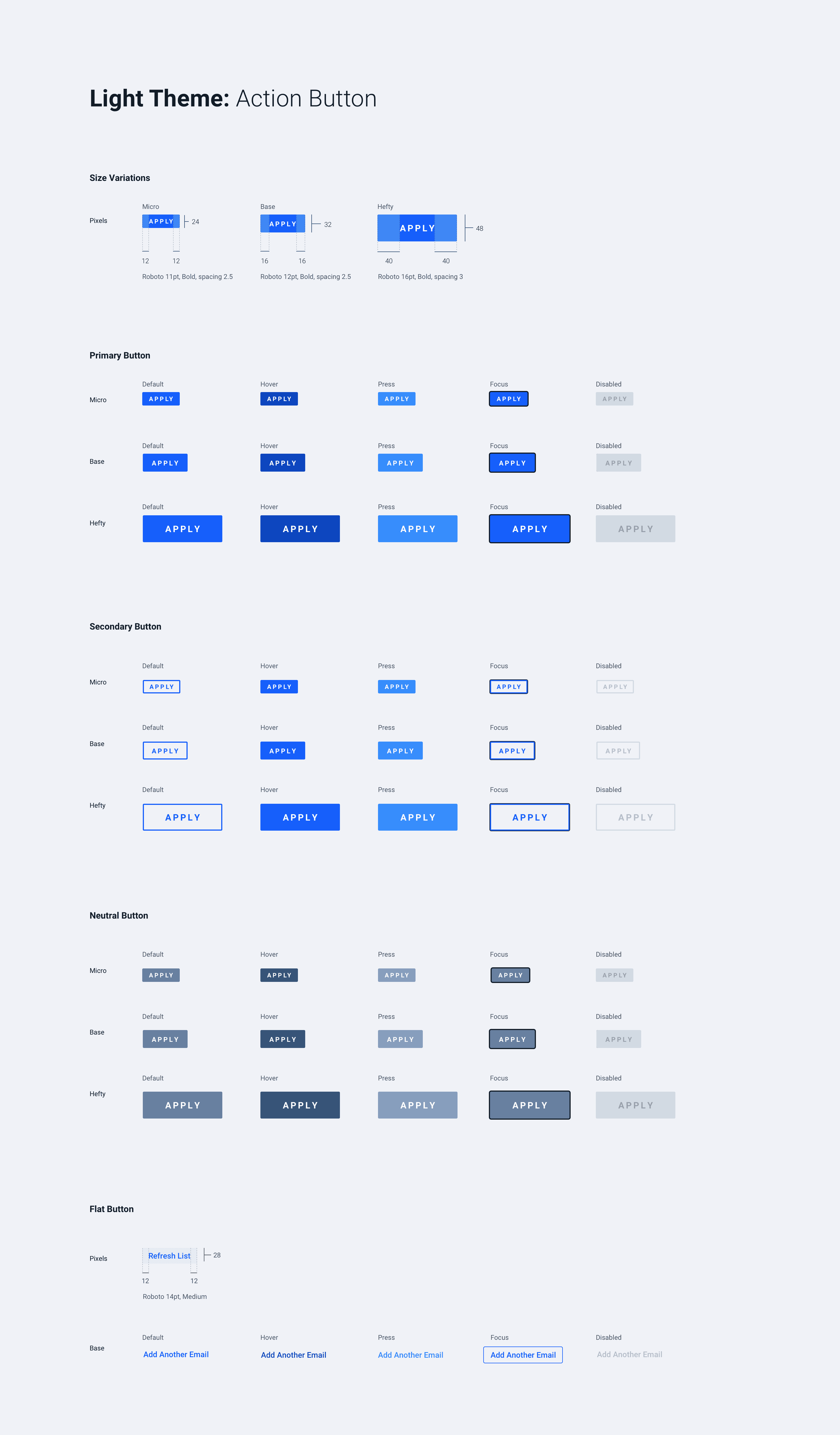
Scalable branded UI: Consistent design across light/dark themes and multiple products
Supportive community: Fostered a flexible and friendly team that integrated feedback and contributions from the entire company
Faster product delivery: Front-loaded foundational UI patterns to free up teams for higher-impact work
Accelerated sales cycles: Mature, consistent UI increased customer confidence and adoption
Lowering stress: A unified language emerged that streamlined processes for team members
Cross-industry adoption: Successfully deployed across rail, wind, construction, and mining products
Industrial data visualization patterns: Time-series charts, threshold bands, status badges, histograms, sparklines
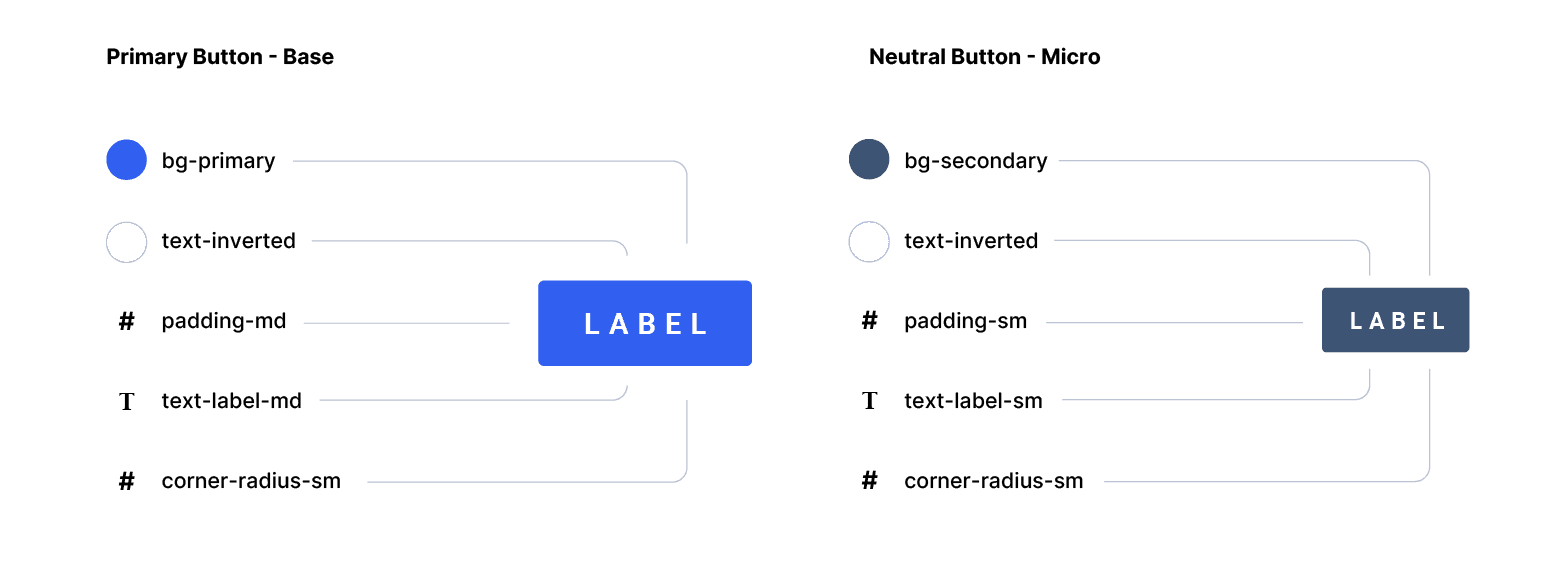
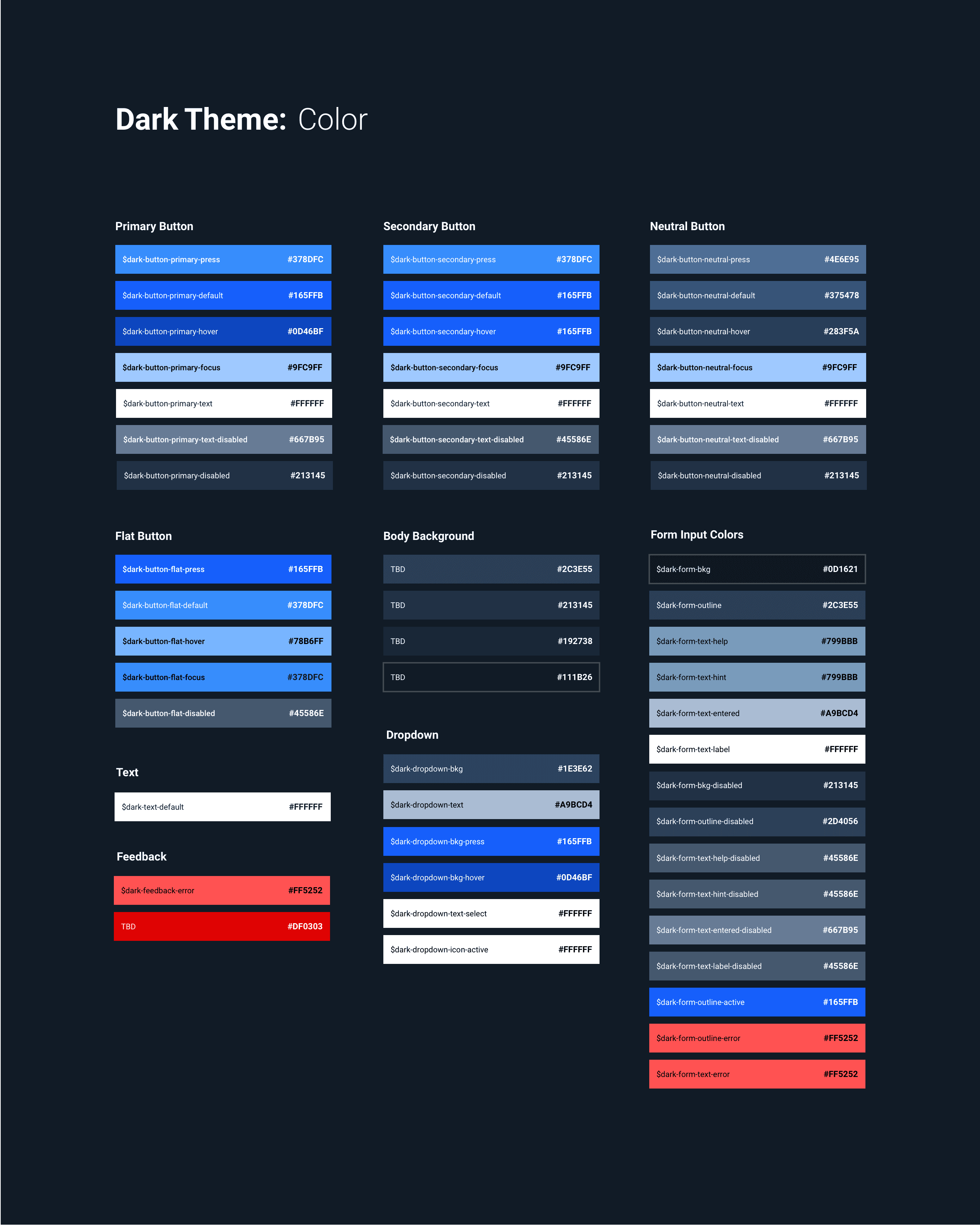
Design tokens & theming: Systemized color, spacing, ornamentation, and typography
Accessibility standards: WCAG-compliant patterns tailored for severity/safety/state industrial environments
Clear documentation for building: Visual consistency, usage guidelines, content patterns, RFCs, and versioning workflows for Design and Product
H U R D L E S
AI needs transparency to build trust: Adoption improved when recommendations were contextual and explainable
Early UX involvement matters: Engaging UX from sales through deployment improved adoption and implementation success
Design for the real environment: Our software is sometimes used on an iPad, outside, in bright sunlight—so field conditions and safety constraints had to shape the design

Customer Personas
I N T E R N A L
E X T E R N A L
My Role
Visual Design from Pixel One
I was an early member of the Design System team, helping to shape the initial vision for both the system and its documentation process. As a Staff Visual Designer, my work spanned research and discovery, defining component patterns, crafting pixel-precise UI, and conducting visual QA to ensure consistency and usability across the system.
As the team evolved, I expanded into a more product-oriented role, helping guide priorities, influence roadmap decisions, and define the long-term strategy for adoption and external contributions.
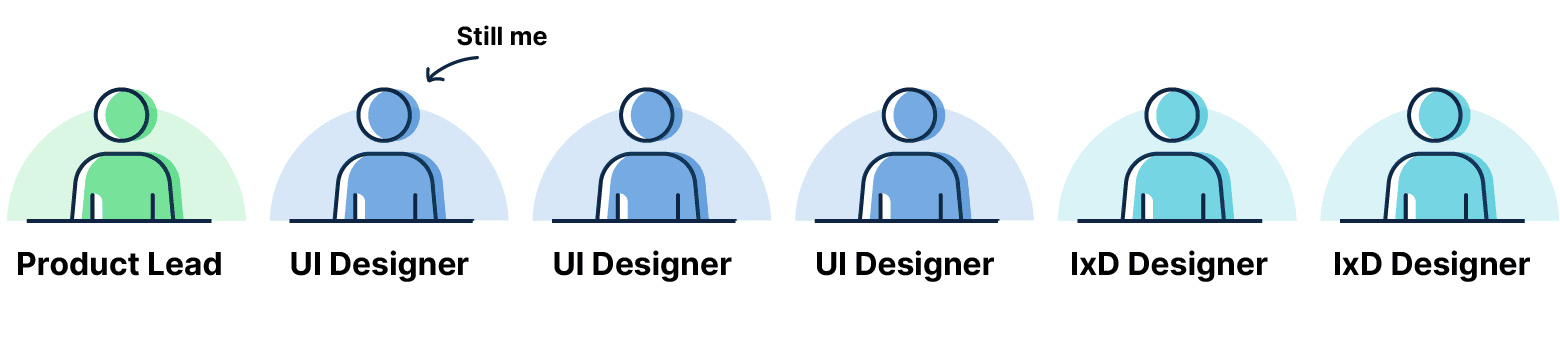
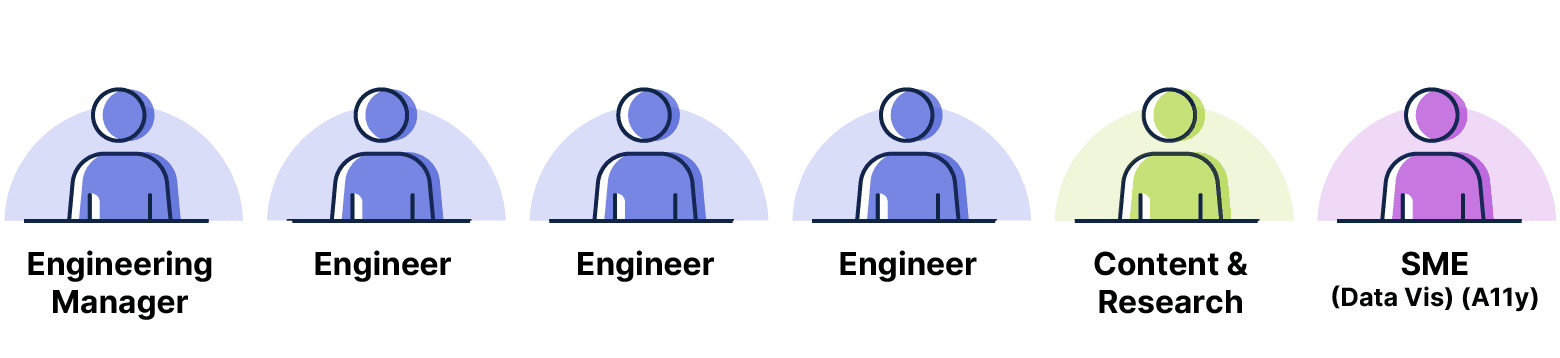
The Initial Team

Discovery & Foundations
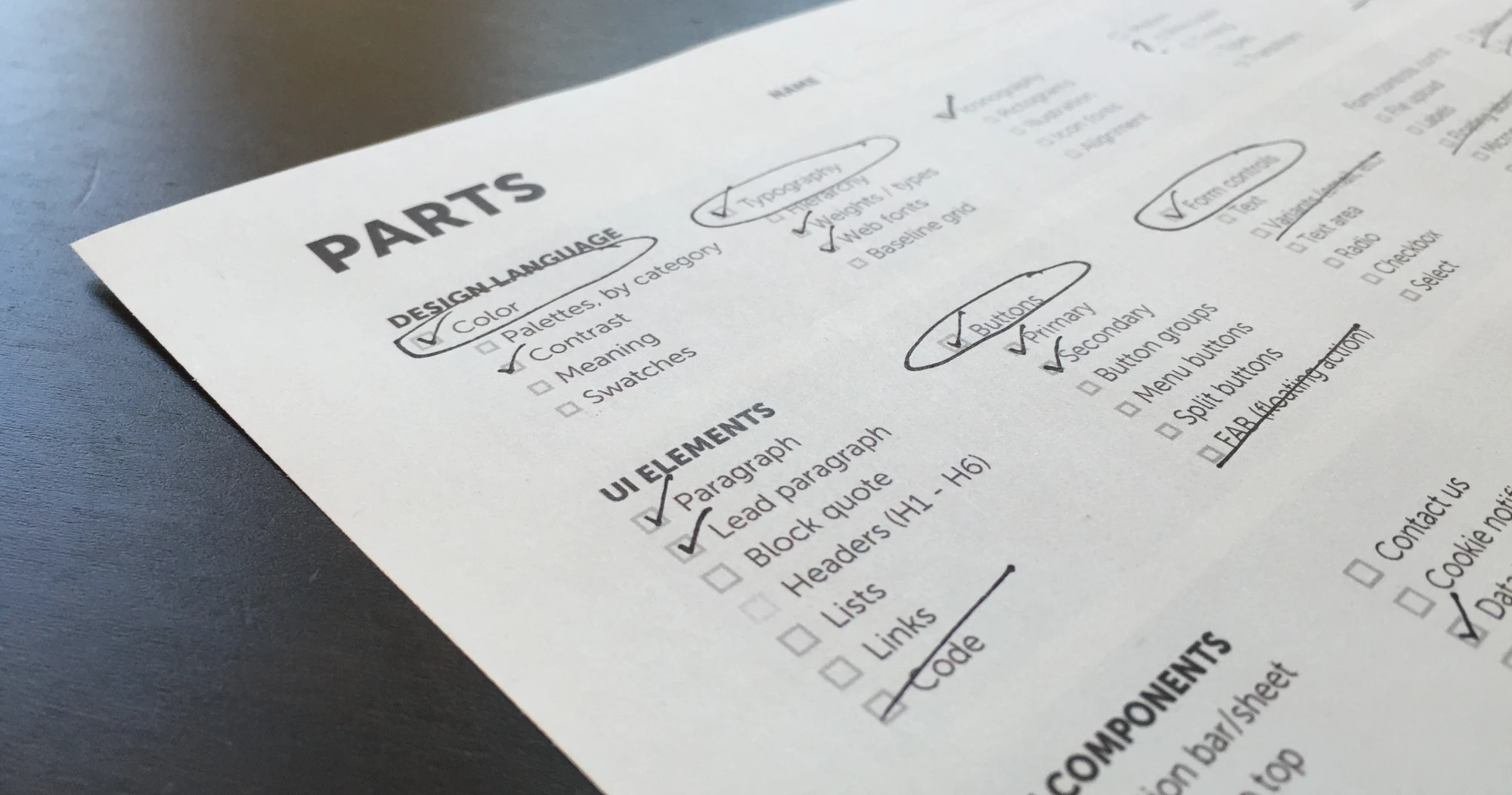
Once we had buy-in from the broader organization, we began by interviewing different engineering and product teams to understand which foundational “parts” would most immediately ease their day-to-day challenges. The insights from those conversations helped shape our early roadmap.
At the same time, we moved quickly to establish the system’s visual language, processes, primitives, and tokens. Like many early design system efforts, the process was messy, iterative, occasionally political, and often easy to overthink—but it was also where the foundation began to take shape.
Tokens for Theming
Expansion
As we started building the most fundamental components—buttons, inputs, icons, alerts, and more—we began to notice patterns emerging in our workflow. Those patterns helped us better estimate the time and effort required for future work and gave the team a clearer sense of momentum.
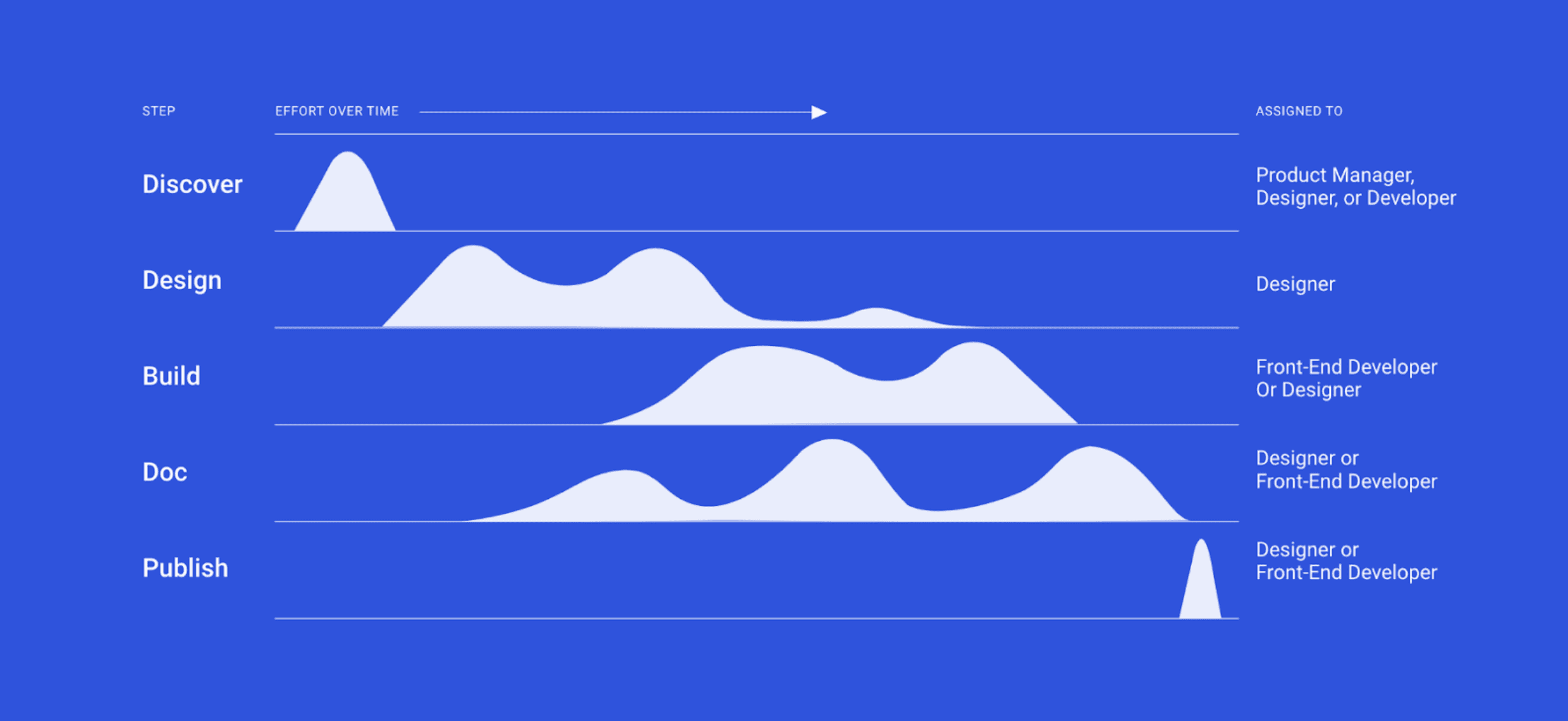
At one point, the roadmap had grown so extensive that the team ultimately tripled in size to help accelerate the system’s output and adoption.
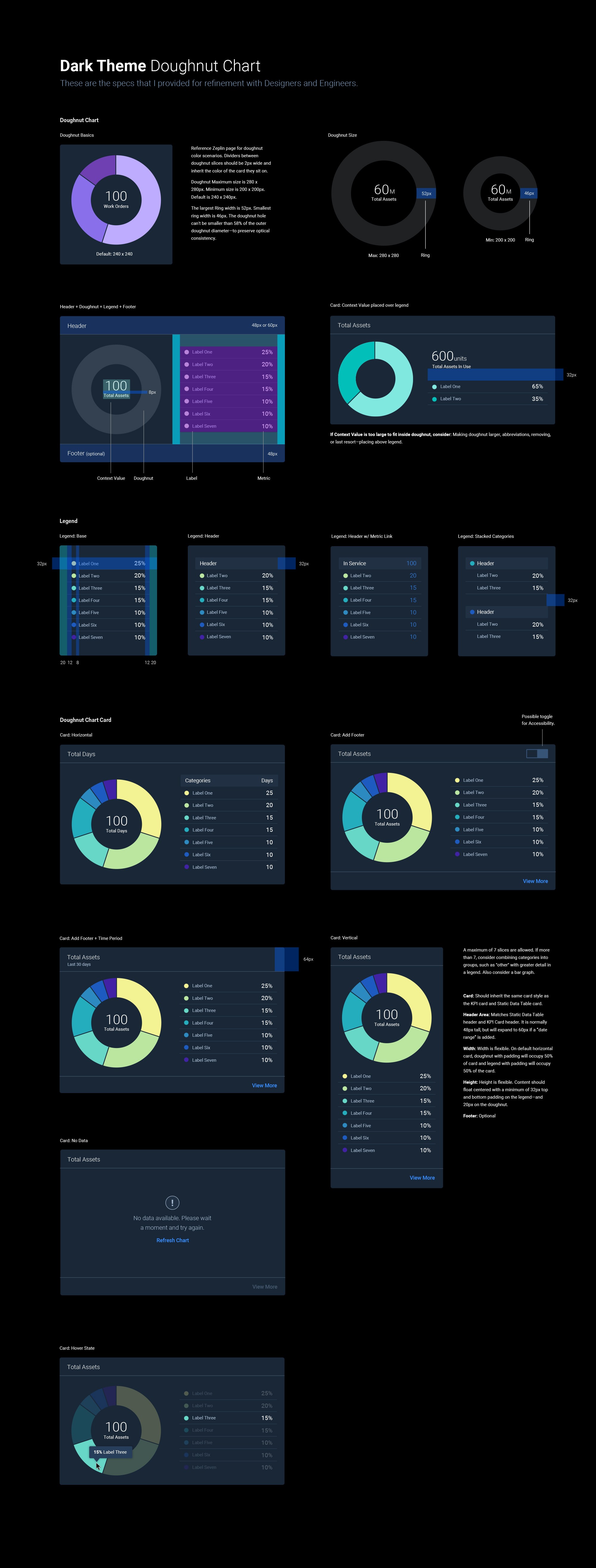
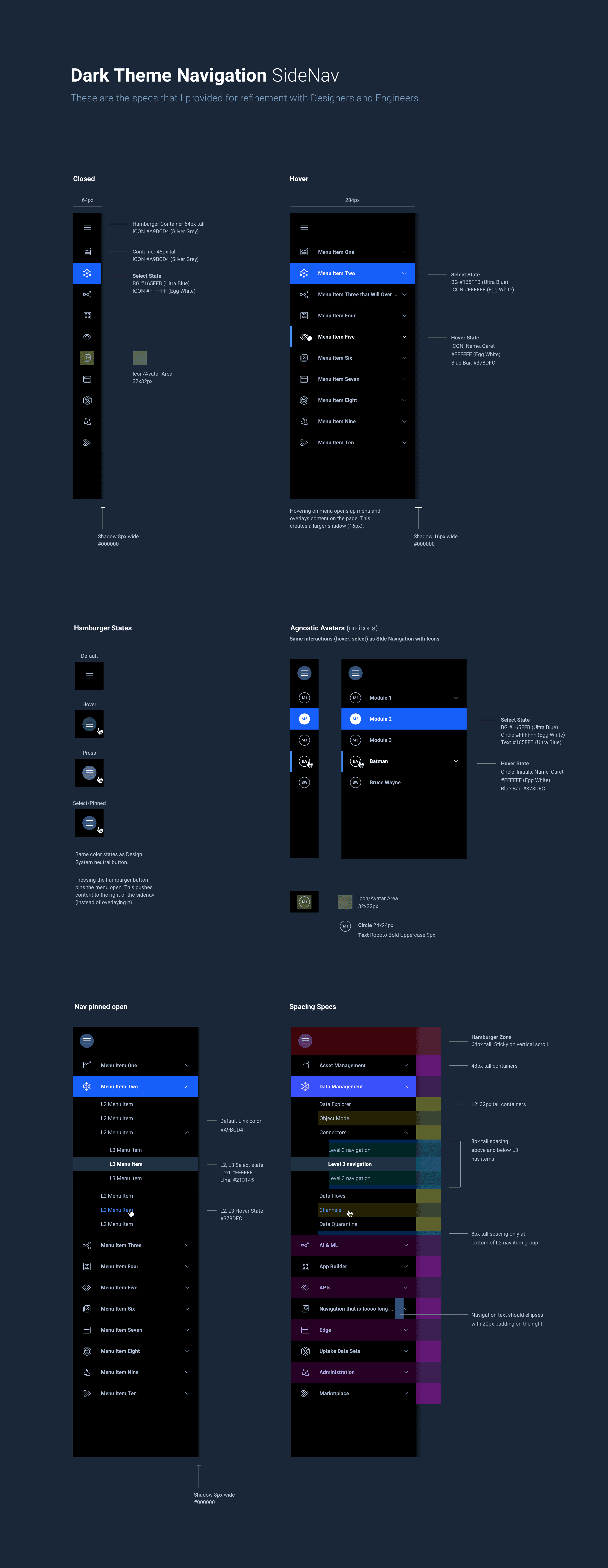

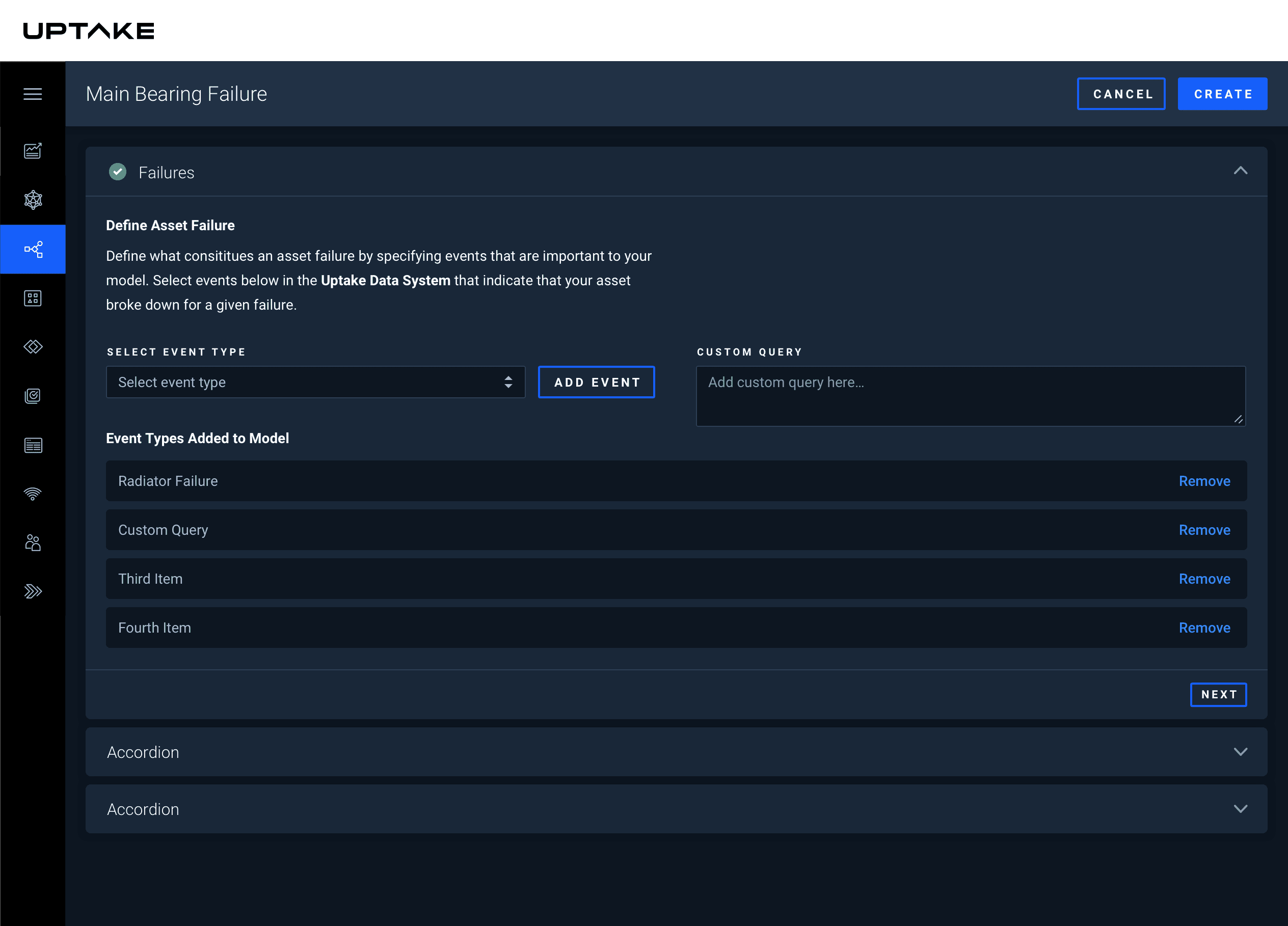
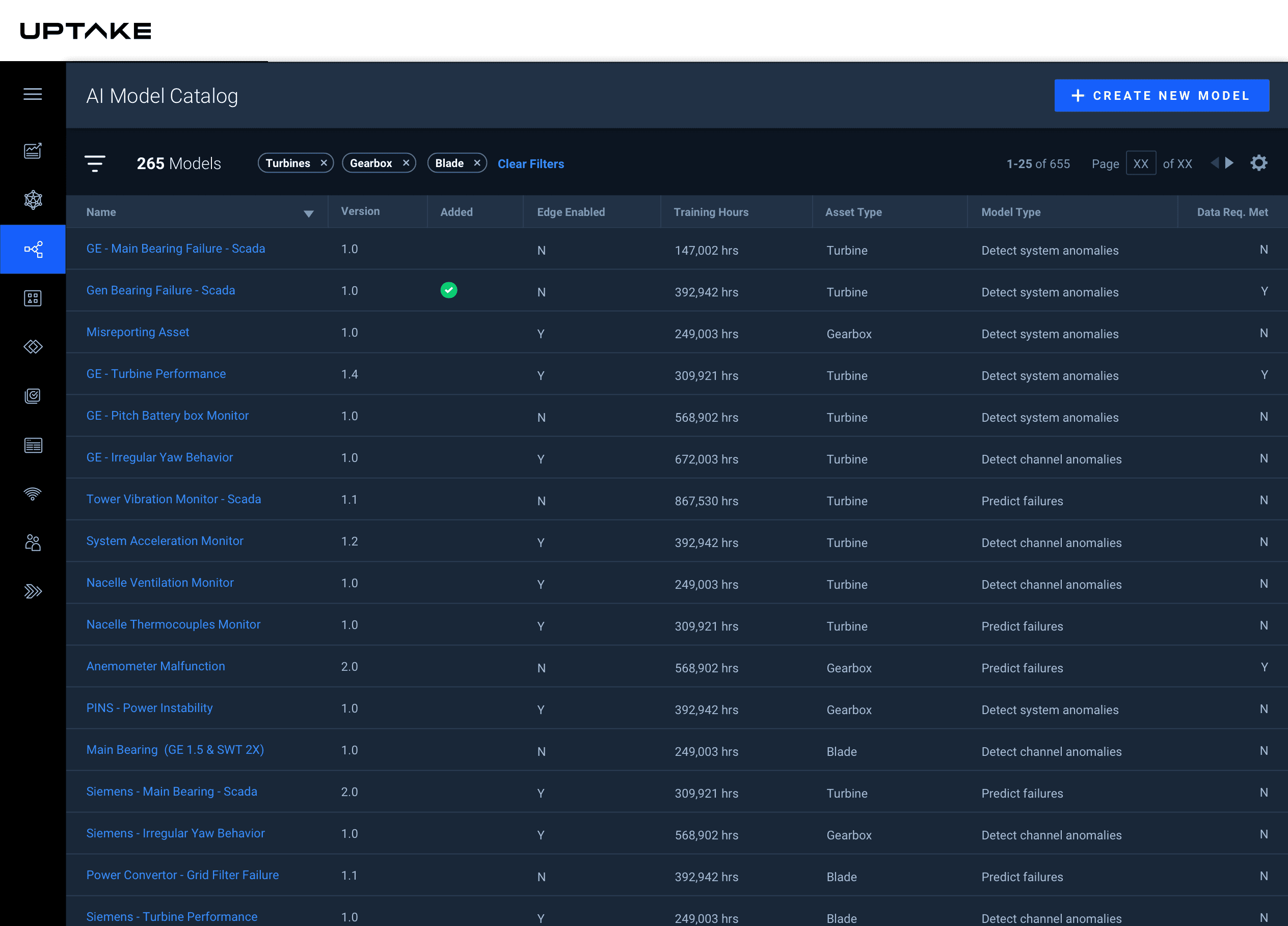
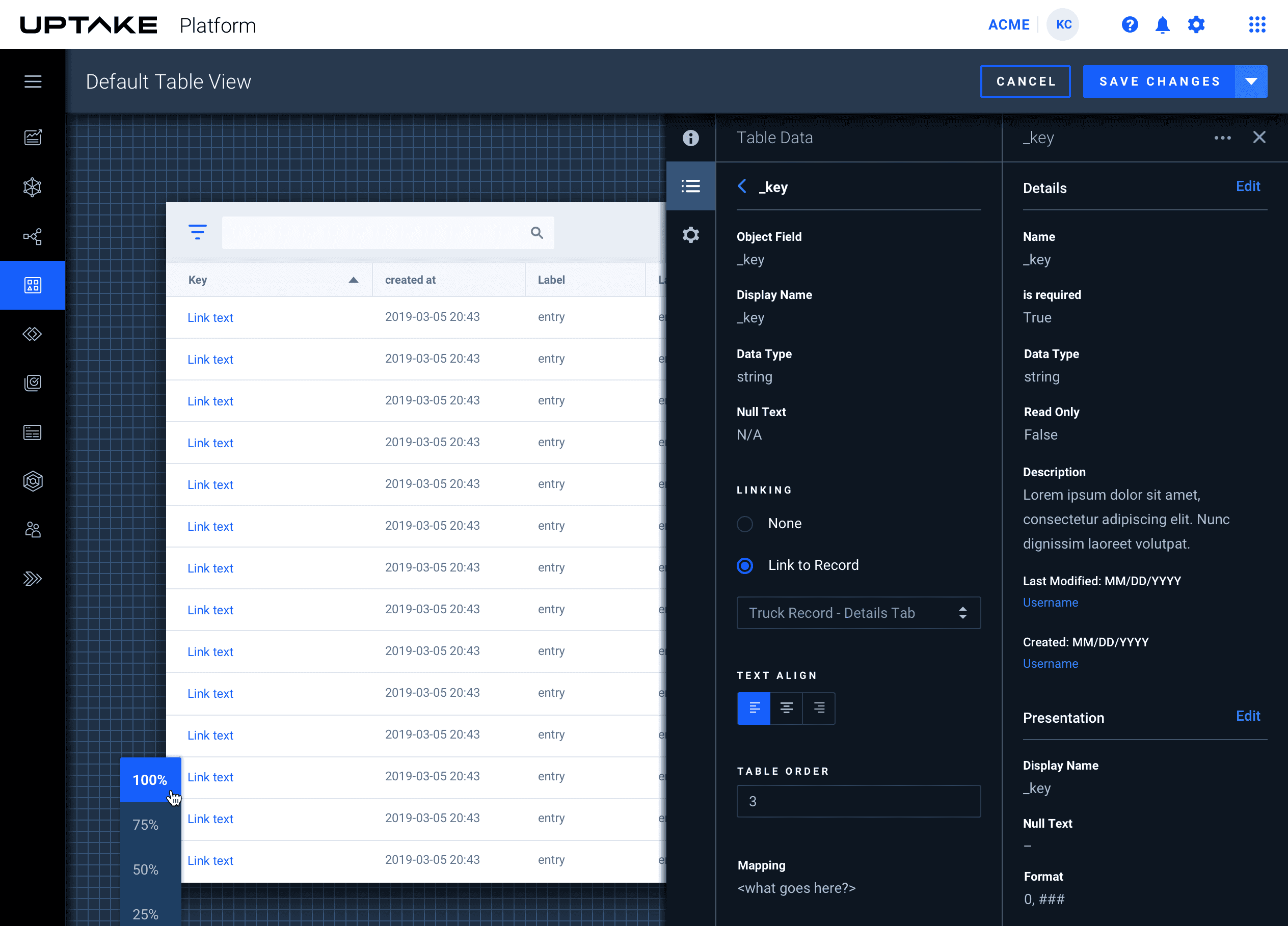
Examples of it all coming together